Features

#TASK MANAGEMENT

Keep projects on track with Task dependencies

Task dependencies in Plaky help you coordinate team handoffs, keep schedules aligned, and spot project bottlenecks before they cause delays.

Unlimited users ● Free forever ● No credit card

Get started
Task dependencies in Plaky

Why use task dependencies?

Keep projects moving

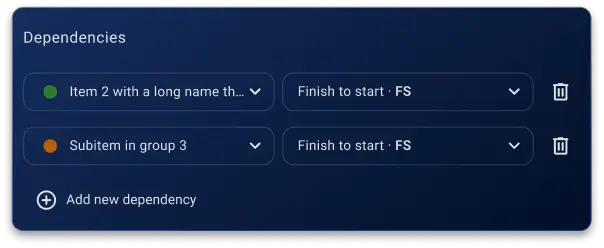
Avoid unnecessary delays. Connect tasks that depend on each other, so team members know when to start their work and what needs to be done first.

Add new dependency
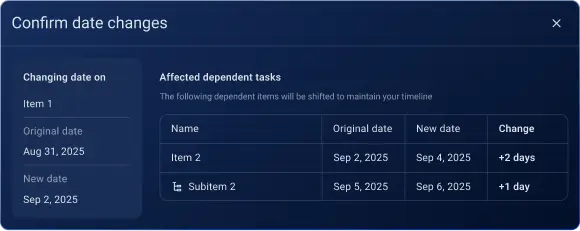
Confirm date changes

Keep schedules aligned

Spend less time adjusting deadlines. When task dates change, keep connected work aligned and reduce the need to manually recalculate project schedules.

Catch bottlenecks early

Resolve delays before they spread. Identify the tasks holding up other work and focus your team's resources on the issues that put project deadlines at risk.

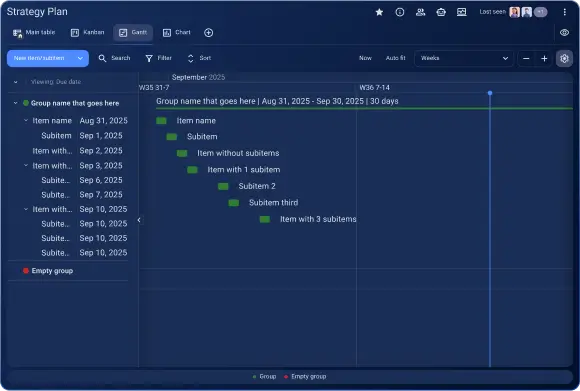
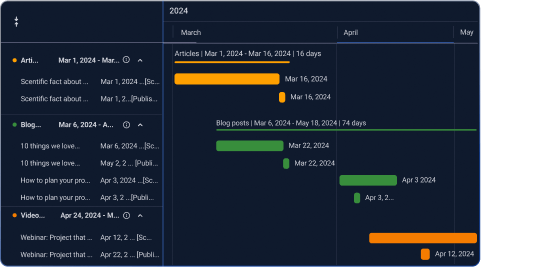
Gantt view in Plaky
Manage resources

Coordinate team handoffs

Let everyone know when it's their turn to take over. Make task relationships clear so teams step in at the right time, without constantly checking on work they don't own.

Manage complex projects

Keep every task connected. Link items and subitems on the same board to organize project workflows and make dependencies easier to track.

Manage projects

Pair your task dependencies with these features

Gantt view

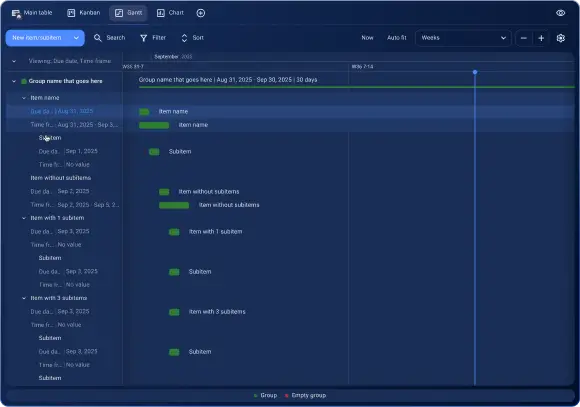
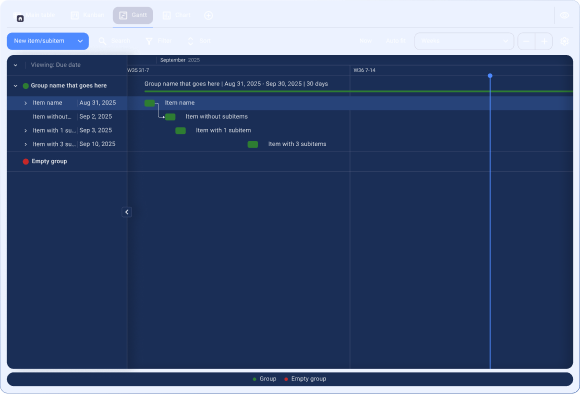
Visualize task timelines and dependencies to understand how work is sequenced and see where delays could affect your project schedule.

Gantt chart view in Plaky

Boards

Organize project tasks, updates, and files in one place so everyone has the information they need to work together.

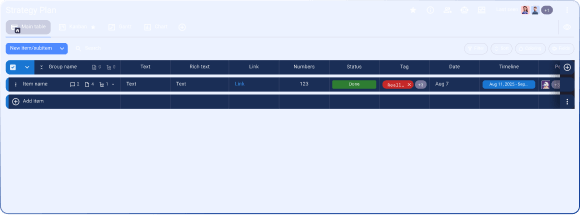
Boards in Plaky

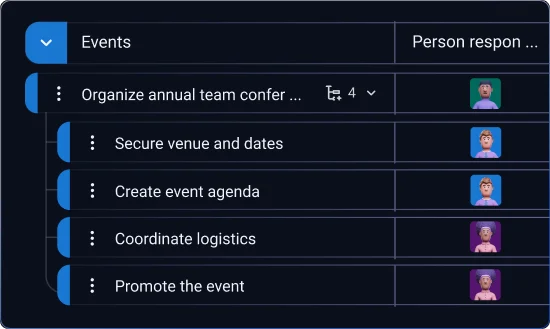
Items & Subitems

Break projects into smaller tasks and subtasks, then connect related work to coordinate responsibilities and handoffs.

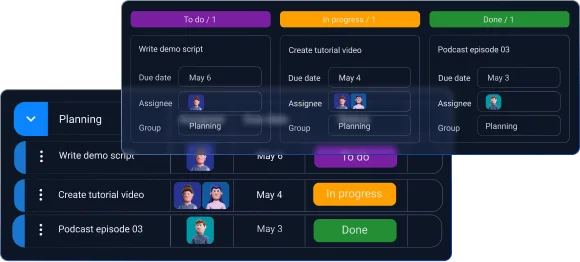
Items & Subitems in Plaky

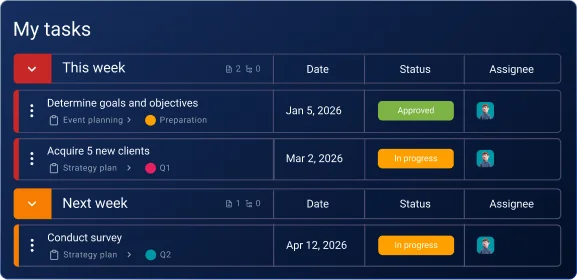
My tasks

See all tasks assigned to you in a single view and manage your priorities without worrying about anything falling through the cracks.

My tasks in Plaky

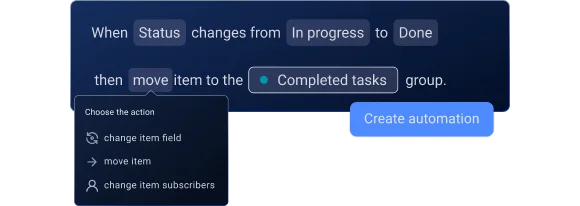
Board automations

Eliminate manual work by setting up triggers and actions to automate different repetitive tasks.

Board automations in Plaky

Set up task dependencies in a few simple steps

Step 1 Define task priorities

Go to your Plaky board and identify the order your tasks should follow within a larger project.

Step 2 Set the dependency relationship

Choose the relationship that reflects how the tasks need to be scheduled.

Step 3 Review your project timeline

Use Gantt view to see how connected tasks fit into your schedule and identify potential conflicts.

Step 4 Keep your schedule up to date

Review changes, address delays, and coordinate upcoming work to keep your project moving.

Frequently asked questions

What are task dependencies in Plaky?

Task dependencies are relationships between tasks that show how one task affects another. They help teams coordinate work, manage schedules, and understand which tasks need to happen before others.

Why are task dependencies useful?

Task dependencies help prevent unnecessary delays, clarify team handoffs, and make it easier to identify tasks that are holding up a project. They also reduce the need to manually track related work and adjust schedules.

Can I create dependencies between items and subitems?

Yes. You can establish dependency relationships between Items and Subitems, including between two subitems, as long as they belong to the same board.

Which Plaky plans include task dependencies?

Task dependencies are available on the Trial, Pro, and Enterprise plans.

Can I view task dependencies in Gantt view?

Yes. Gantt view helps you visualize task timelines and their relationships, making it easier to understand how tasks fit into your project schedule.