Features

#PROGRESS TRACKING

All your tasks in one place

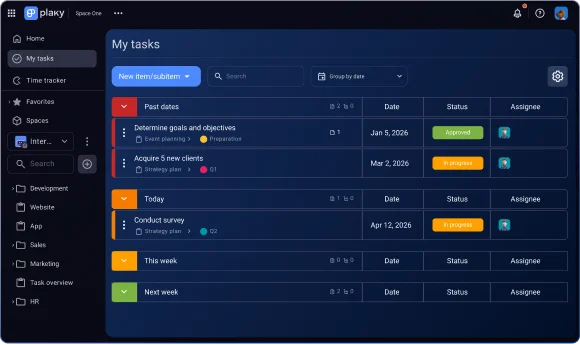
Plaky lets you see every task assigned to you on a single page, so you can easily organize your day and manage your priorities.

Get Started
My tasks in Plaky

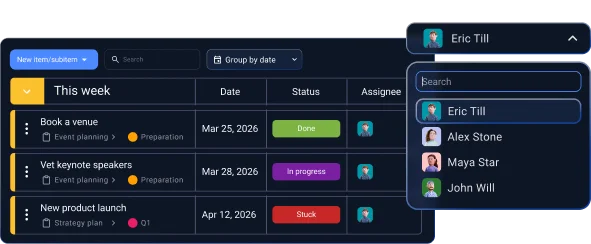
Get a clear view of your assigned tasks

Bring order to your work

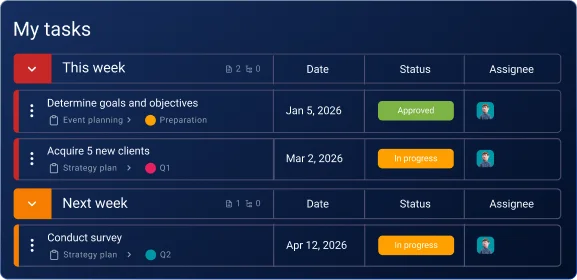
Some boards can get messy. My tasks cuts through all that noise, showing you only what’s relevant to you. It’s like a personal filter that cleans up your workspace.

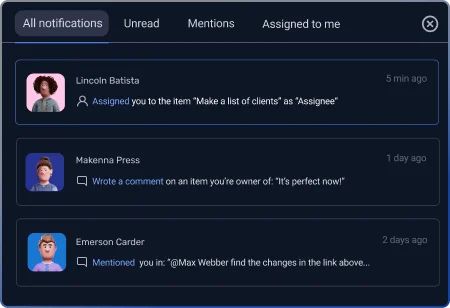
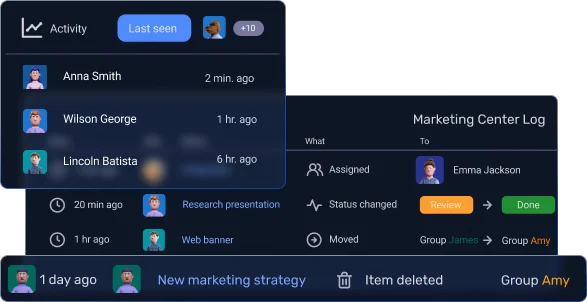
Real-time items updates
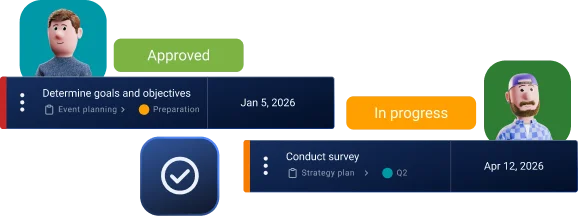
Stay up to date with the latest development

Always know what to work on next

No more guessing. My tasks page gives you a single, clear overview of your entire workload. It helps you see what's most important, so you can stop searching for what to do and start acting.

No more missed deadlines

My tasks page helps you stay on track. When you organize this page correctly, Plaky can show you exactly what's due today, tomorrow, and this week. You'll never be surprised by a deadline again.

Instant communication

Setting up My tasks is simple

Access My tasks

Click on the My tasks link in the left sidebar to open the page.

Select "Start tracking tasks"

Select “Start tracking tasks” to automatically pull in all items assigned to you from every board you're a part of.

Create a task

Use the "New item/subitem" button to add a new task to a selected board directly from this view.

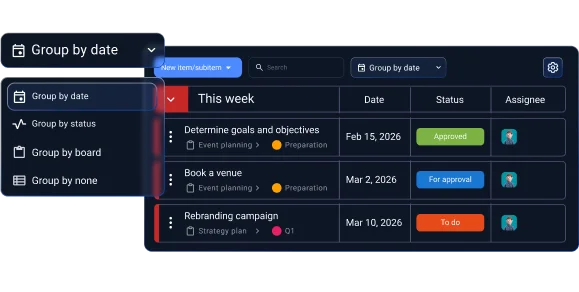
Choose your view

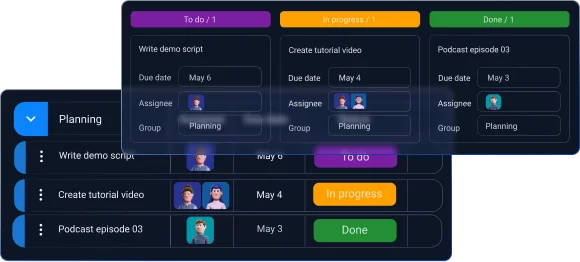
Use the dropdown menu to select a layout that works for you — you can group your tasks by date, status, board, or by none.

Customize your view

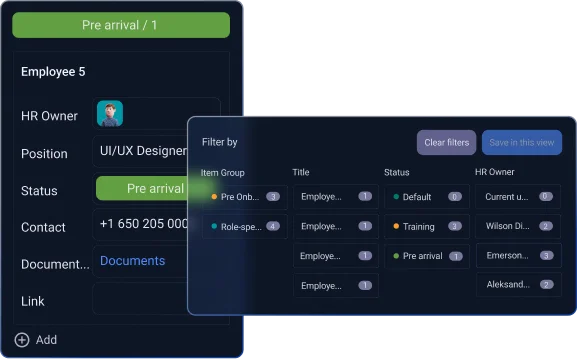
Go to Settings to hide completed tasks or empty groups, keeping your view clean and focused.