#ADMINISTRATION
Decide who can view your Space and add restrictions to keep critical information safe.
Get started
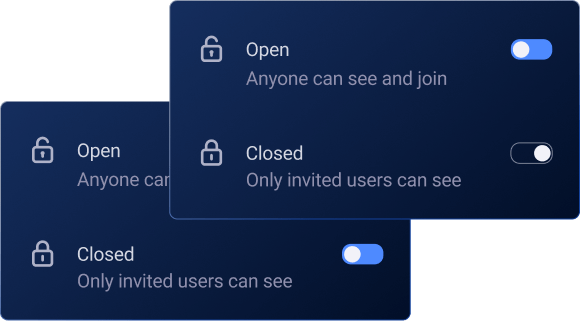
In Open Spaces, cross-functional teams and other member groups can work on shared projects and exchange information fast.
Any team member can join an Open Space.
Within an Open Space, all team members will have access to Public Boards, as well as any Private Boards they’ve been invited to.
In Closed Spaces, team members can organize their private tasks or manage sensitive projects only a few people should have access to.
Team members can either be invited to join or request to join a Closed Space.
Within a Closed Space, Users will have access to Public Boards, as well as any Private Boards they’ve been invited to.