#CLOCKIFY INTEGRATION

Track time directly in Plaky

Track time on tasks exactly where you manage them, without switching tools. Cleaner time data and less manual admin lead to more accurate planning and billing.

Get Started
Plaky and Clockify integration

How this integration benefits your team

No app switching, no losing context

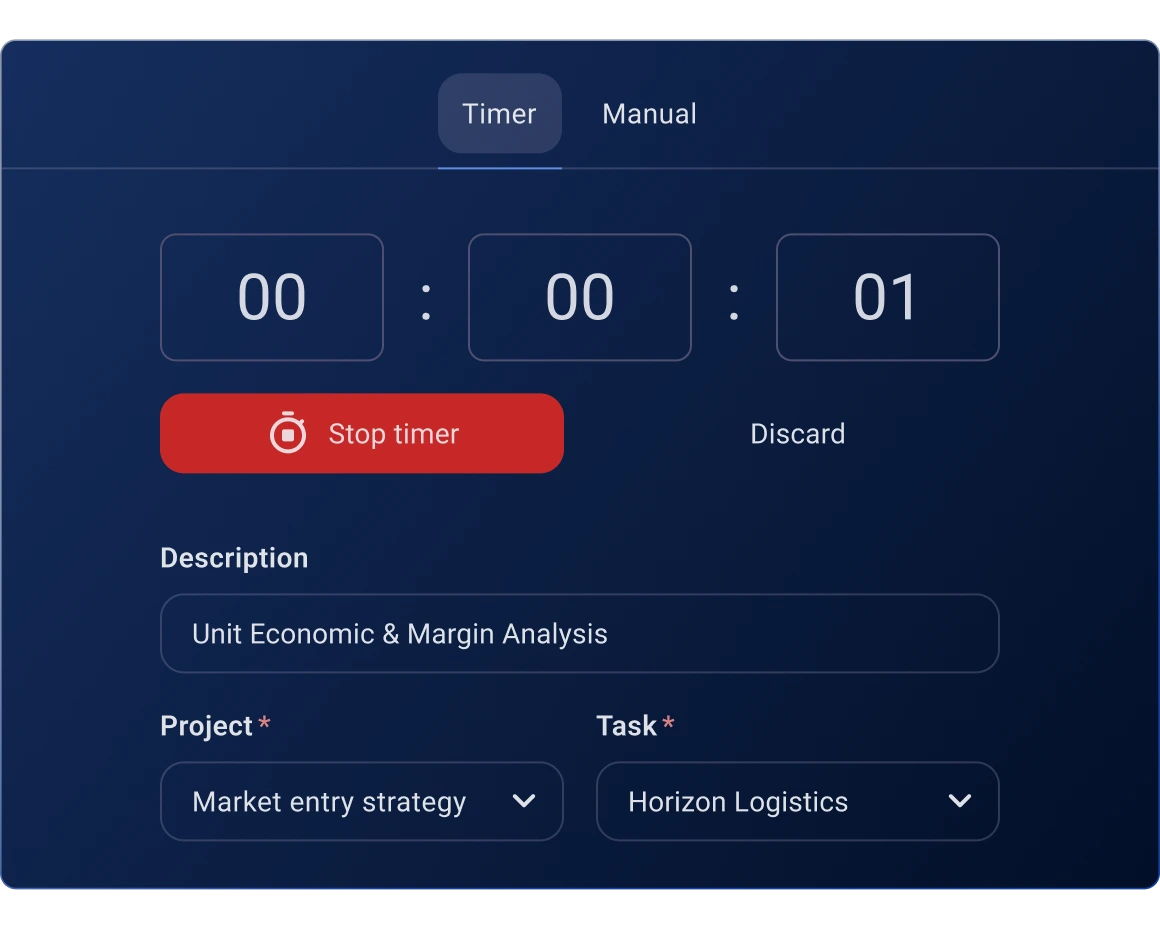
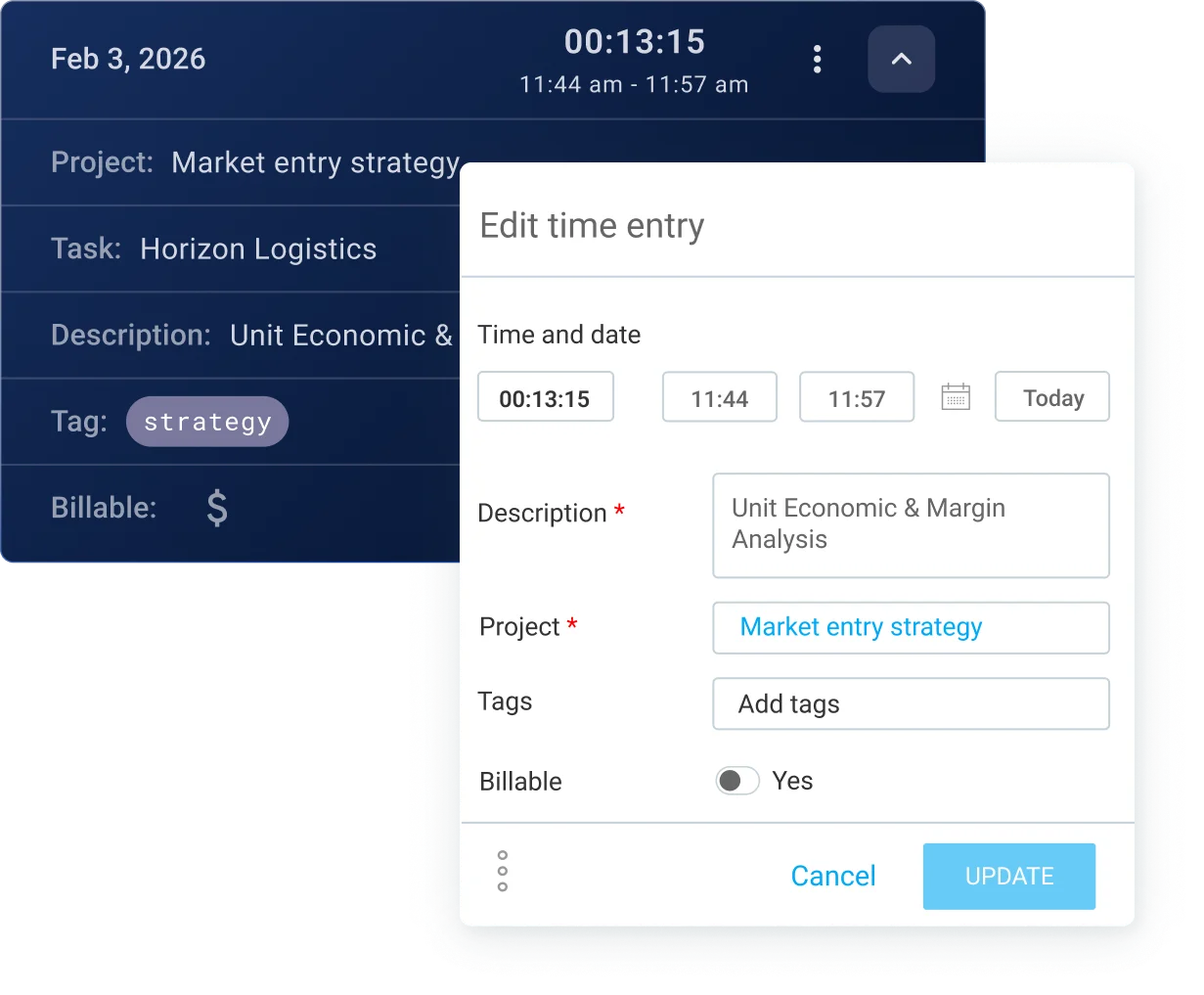
Record hours with a timer, or log them manually. All changes made in Plaky will appear in Clockify and vice versa, allowing your work to flow without jumping between tools.

Clockify and Plaky connected
More accurate time tracking

More accurate time tracking

Log time against real tasks and projects, not generic entries. This minimizes errors, forgotten hours, and end-of-day guesswork.

Improved project management

Look at time data from past work to assign and schedule tasks with confidence. By organizing projects more precisely, you avoid unbalanced workloads and missed deadlines.

Improved project management
Billing and reporting

Easier billing and reporting

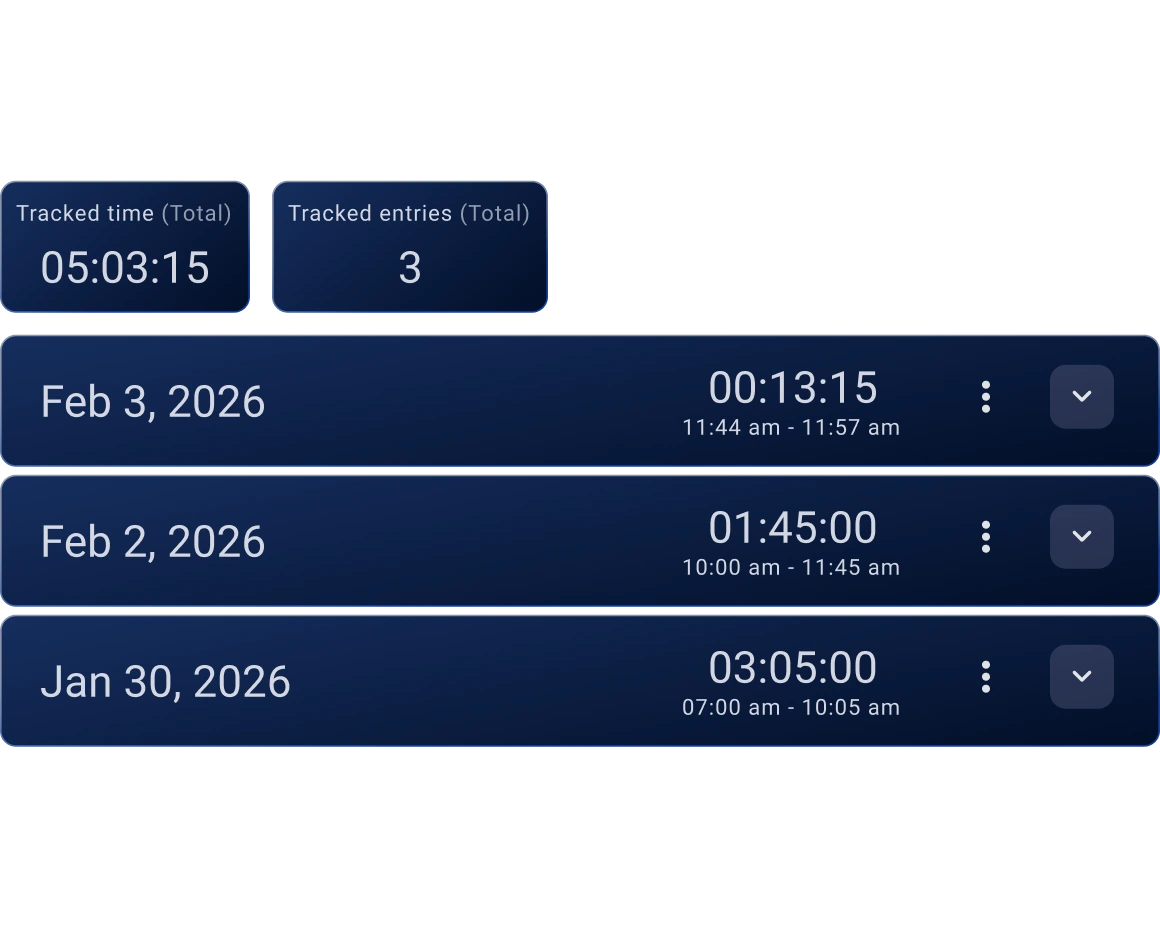
Calculate billable hours automatically, and turn time data into clear reports and dashboards in Clockify. All that lets you create more realistic estimates, timelines, and budgets for future projects.

Connecting Plaky and Clockify is simple

Step 1 Create your account

One account for either product gives you instant access to both, as they are part of the CAKE.com productivity suite.

Step 2 Set up workspaces

To connect the products, you need to have active workspaces in both, Plaky and Clockify.

Step 3 Connect your Plaky board with a Clockify project

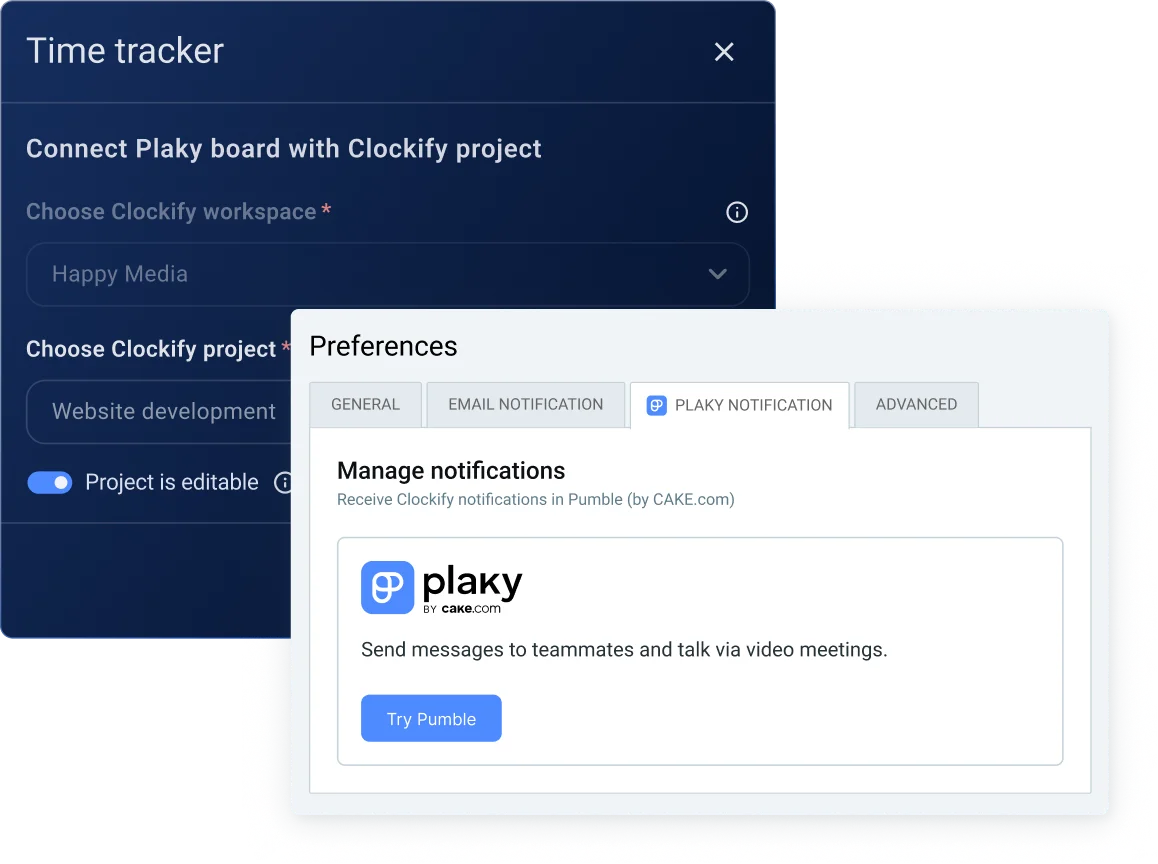
Click on the three dots in the top right corner of your Plaky board, then select Time tracker. Choose the desired Clockify workspace, and create or choose a project from the drop-down menu.

Step 4 Start using Clockify in Plaky

Track billable and non-billable hours right in Plaky, either by using the built-in timer or logging time manually.

CAKE.com Apps & Integrations

Boost productivity with CAKE.com! Our free, native integrations connect Plaky with both Clockify and Pumble, creating a powerful, centralized work hub.

Get started for free →
Get started

Frequently asked questions

Is the Plaky-Clockify integration a two-way sync?

Yes. Tasks, projects, and time entries stay aligned across both tools, no matter where the update is made.

Do I need a paid plan to use the integration?

This feature is available on all plans, including the free one.

Can multiple team members track time on the same task?

Yes, each team member can log their own time on shared tasks for a complete picture of total effort.

Who benefits most from this integration?

The Plaky-Clockify integration makes work easier for those who rely on accurate time data, such as marketing and creative agencies, IT and software teams, consulting firms, and client-facing service teams.

CONTACT US