#PUMBLE INTEGRATION

Get task updates directly in Pumble

Your projects and chats are now connected. Critical updates land right where team communication happens, enabling you to stay informed and react swiftly.

Get Started
Plaky and Pumble integration

How this integration benefits your team

No app switching, more time saved

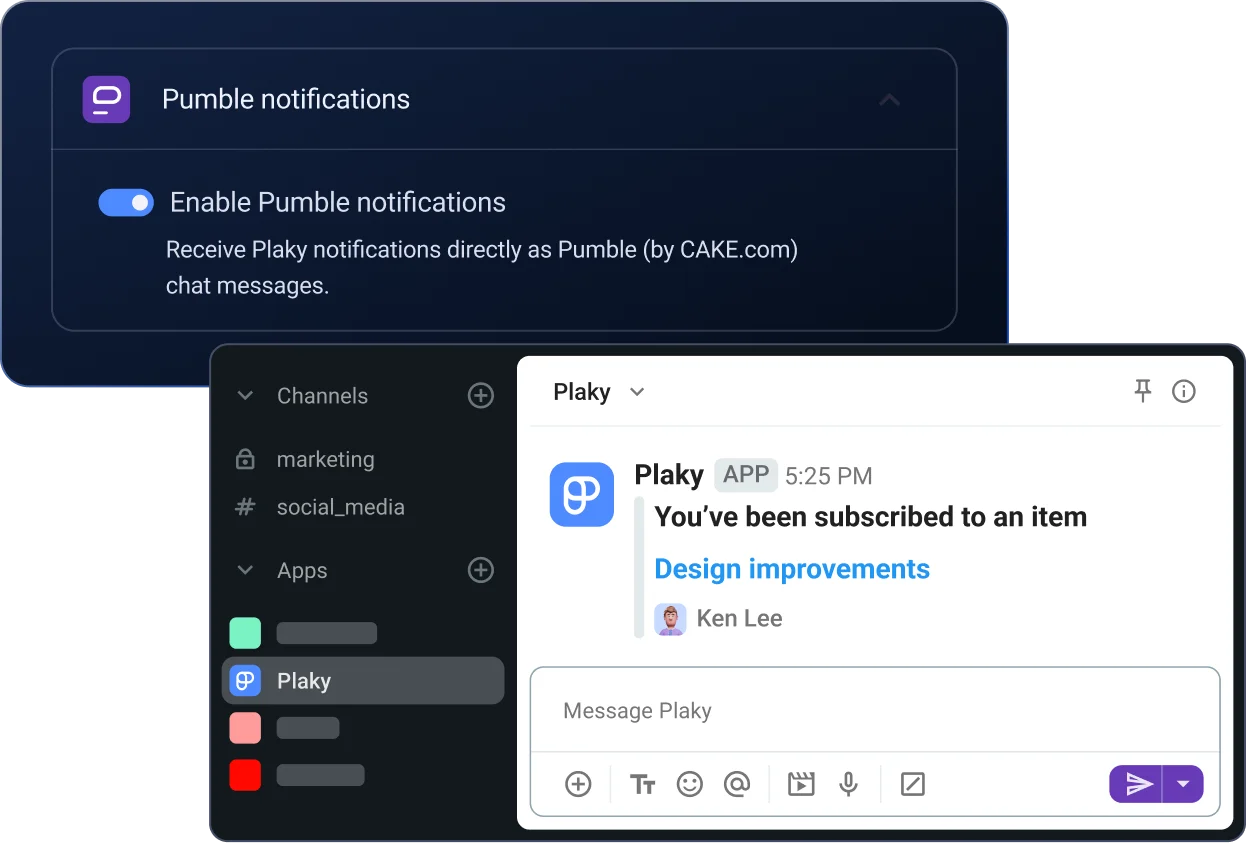
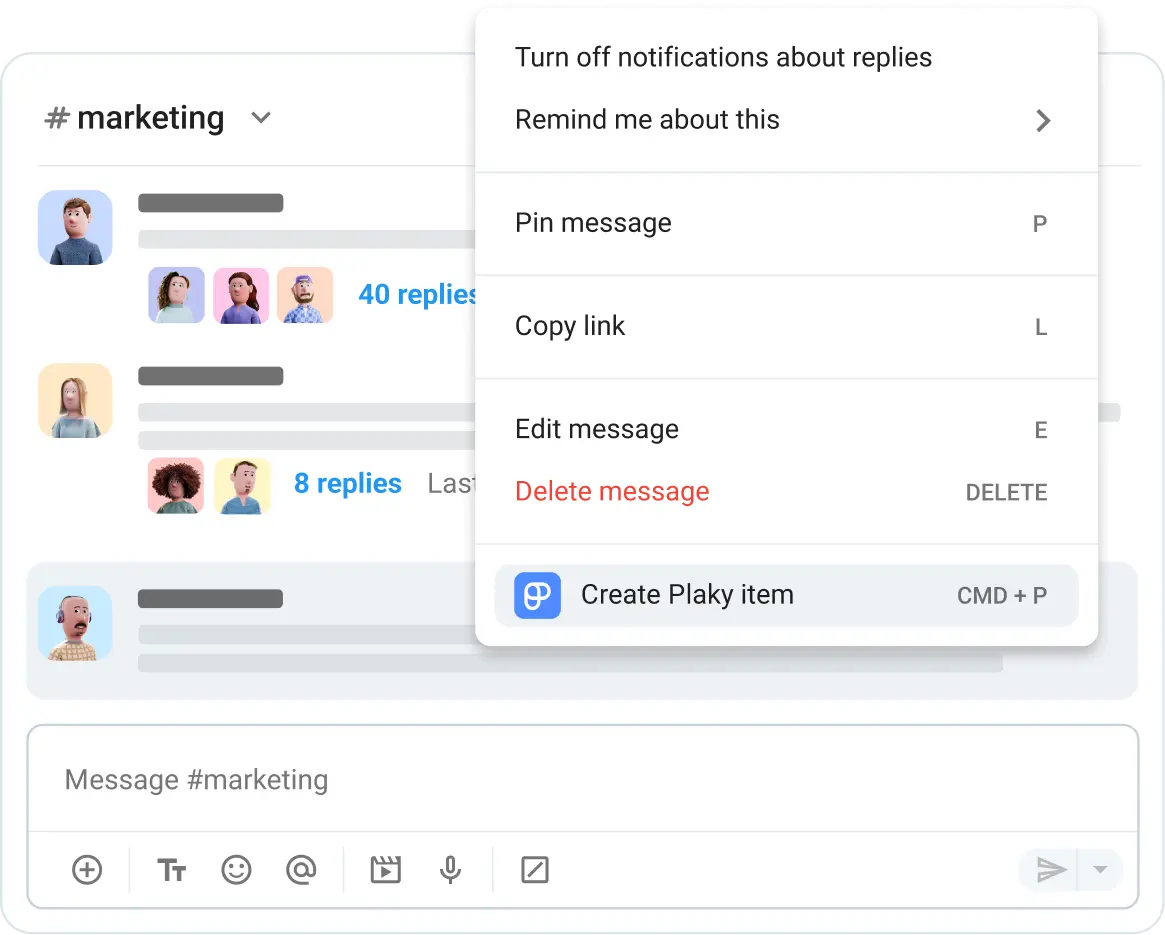
Break down app barriers and save time. Your Plaky tasks and project updates now live directly within Pumble, giving you real-time insights while you communicate with your team.

No app switching, more time saved
Tailored updates for more focused work

Tailored updates for more focused work

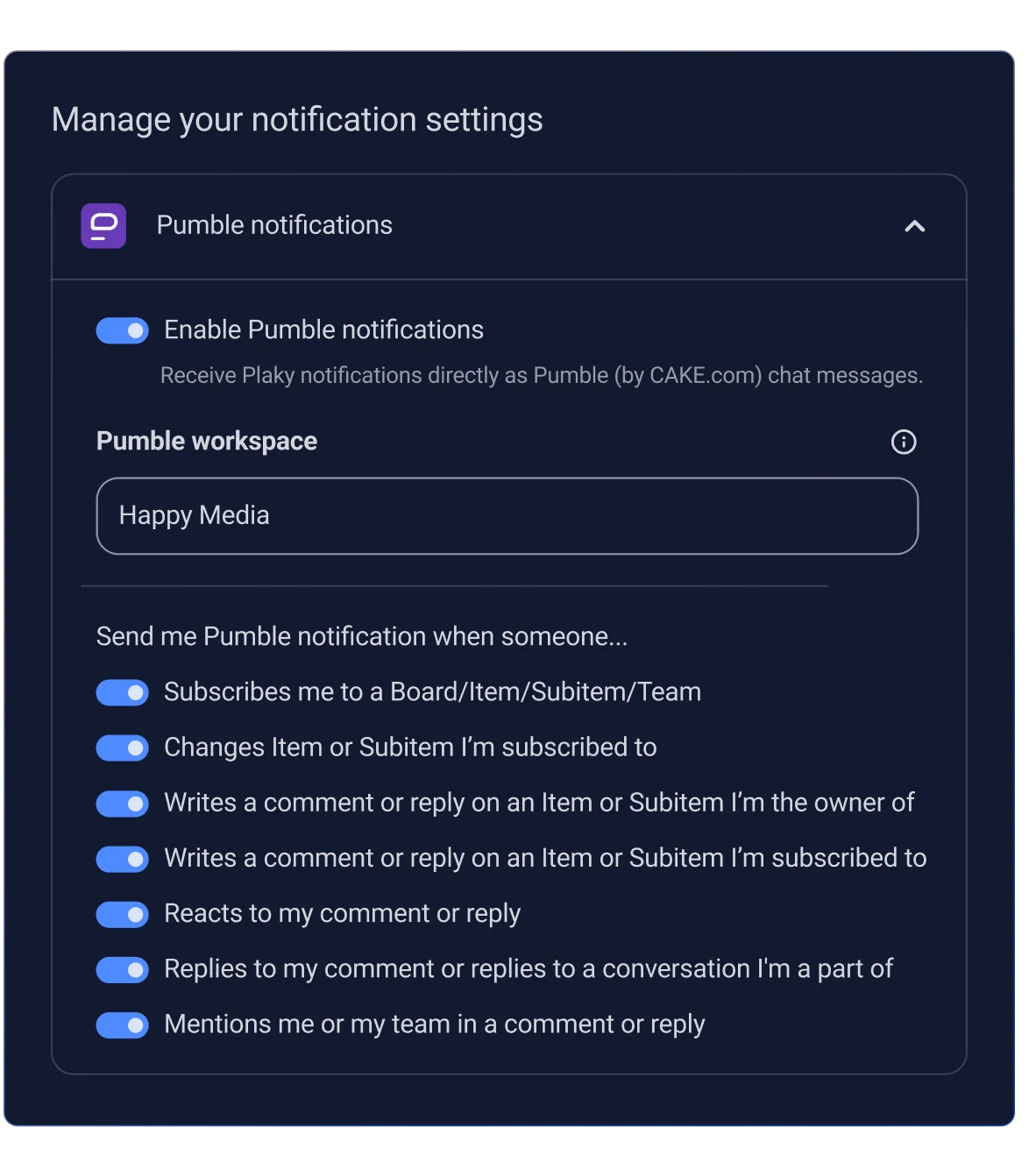
Customize your notifications to get notified of what truly matters. Receive notifications when tasks are created, updated, subscribed, commented on, and more. Stay focused by deciding which data you want to be updated about. Our friendly Pumble bot will deliver those updates straight to your chat.

Synced teams for coordinated teamwork

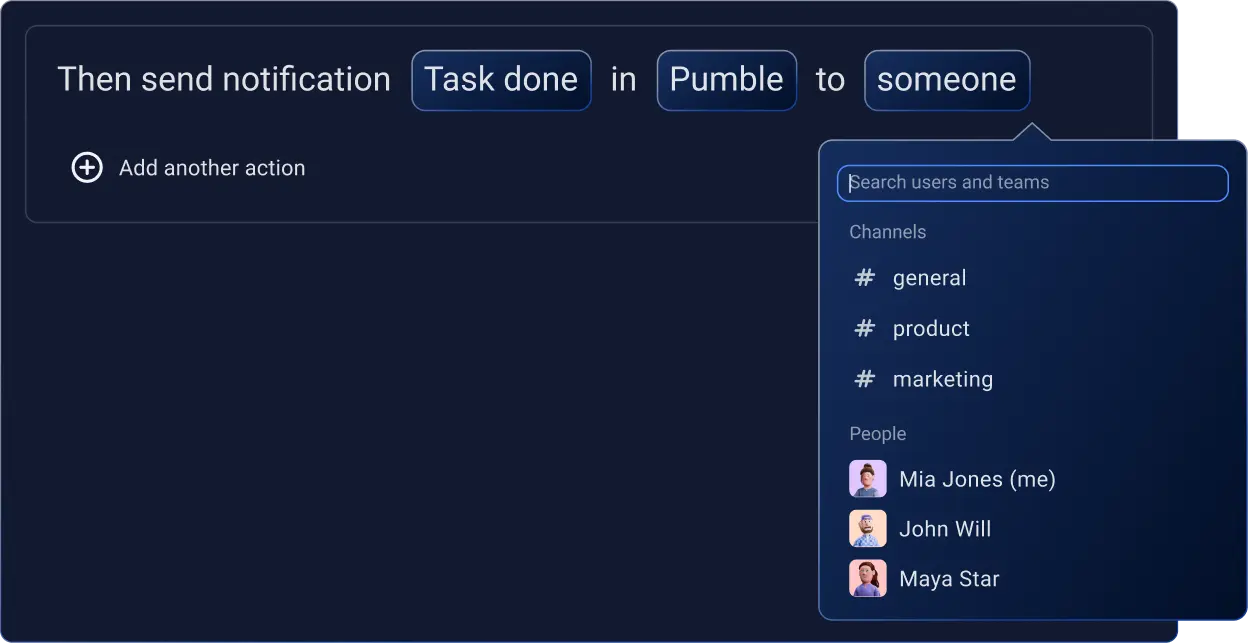
Stay in sync with your work and team by receiving updates in real time. For example, if a project’s status changes to "To do" in Plaky, you’ll get an automatic notification in your team’s chat, signaling everyone to start working.

Synced teams for coordinated teamwork
Instant action, faster results

Instant action, faster results

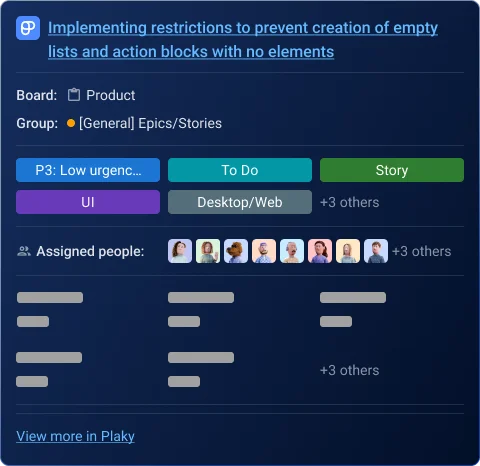
React immediately to critical updates by getting rich Plaky notifications directly in your Pumble channel. For example, the Pumble bot will notify you if a critical bug’s status is changed to “Blocked” and share the item card’s link. All you have to do then is click on the link, and you’ll be taken to Plaky where you can plan your next steps.

Connecting Plaky and Pumble is simple

Step 1 Create your account

One account for either product gives you instant access to both, as they are part of the CAKE.com productivity suite.

Step 2 Have your workspaces

In order to connect both products you need to have active workspaces in both, Pumble and Plaky.

Step 3 Enable notifications in Plaky

You need to enable Pumble notifications in Plaky so that you never miss any workspace updates.

Step 4 Start using Plaky in Pumble

Manage and track Plaky notifications directly in Pumble.

How Pumble and Plaky integration works

CAKE.com Apps & Integrations

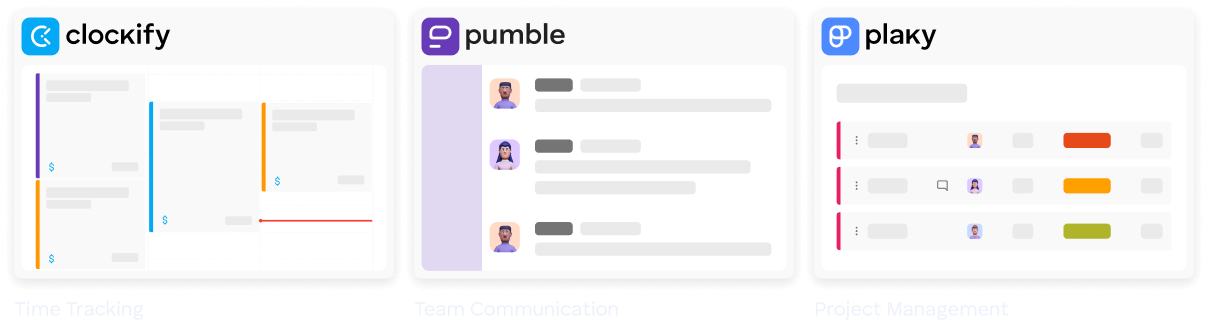
Boost productivity with CAKE.com! Our free, native integrations connect Pumble with both Plaky and Clockify, creating a powerful, centralized work hub.

Get started for free →
Get started

Frequently asked questions

Does the Plaky-Pumble integration require a separate installation?

No, a separate installation isn’t required. The Plaky-Pumble integration is a native integration built directly into Pumble, so it’s available by default and ready to use.

Can I customize which notifications I receive from Plaky?

Absolutely! Navigate to your Preferences settings in Plaky and enable any notifications you wish to receive in Pumble. You can tailor the stream of updates to your exact needs and focus, ensuring you only get the most relevant information.

Which notifications can I expect to receive?

Once you enable Plaky notifications in Pumble, you'll receive updates anytime someone subscribes you to a Board, Item, Subitem, or Team, changes an Item or Subitem you're subscribed to, comments, replies, or reacts to your comments, or mentions you or your team.

CONTACT US