

Taxes, bookkeeping, accounting, and other financial responsibilities are notoriously complicated — the main reason why most business owners prefer to hire a professional agency to do it for them.
One such agency is Fincon — an accounting and bookkeeping firm from Serbia.
We had an amazing opportunity to talk to Nikola Glintic — tax advisor and accountant at Fincon, who shared details about their work and challenges they face daily.
Launched in 2015 as a simple accounting firm, Fincon quickly grew into a business that offers bookkeeping and tax and business advisory services to dozens of small businesses.
So, how do they handle all the challenges of such responsible work? Simple — their secret weapon is Plaky!
Let’s see how Plaky assists Fincon in their bookkeeping and accounting endeavors.
How Fincon discovered Plaky
At the start of their business journey, Fincon relied on Excel to keep track of their long list of responsibilities. But Nikola was convinced there was a better solution.

“Early on, we used Excel tables, but I constantly felt that this ‘wasn’t it’ and that I’d prefer a different way to keep track of our work. That’s when I started looking at various options and tried out several different tools before I eventually found Plaky.”
After trying out several different tools, he heard of Plaky by word of mouth and has stuck to it ever since.
“I learned about Plaky from a client who recommended it when we were discussing different options for detailed tracking of tasks and responsibilities. At around the same time, I saw the ‘Biznis Priče’ (Business Stories) podcast where the founder of Plaky was a guest speaker. That’s when I decided to try out the tool.”

How Plaky helps Fincon organize their work
Plaky helps Fincon with their biggest problem — organizing their tasks and responsibilities.
“Plaky helps me keep a detailed record of the responsibilities related to each client and mark them as finished after they’ve been completed. This lets me know which tasks are done and which are still in progress, and helps me get rid of all the stress caused by uncertainty of whether we’ve finished everything we were supposed to.”
When asked about the biggest difference he has noticed since he started using Plaky, Nikola highlighted the peace of mind he gets from knowing all his work will be duly completed.
“[The biggest difference I noticed since I started using Plaky is] the confidence that all the tasks will be completed on time, that everything will be reviewed and recorded in accordance with the deadlines, without any risk that something will slip through the cracks.”
Fincon’s favorite Plaky feature
One of Plaky’s features Nikola highlighted as particularly useful was its customizability — the ability to create and organize your workspace in any way you like.
“I like being able to create custom fields and mark them using different colors. This helps me keep the layout of my tasks simple.”
Plaky allows users to create an unlimited number of tasks within a board and add custom fields to each task group, depending on what they want to track. The fields can contain important information such as:
- Assignees,
- Task status,
- Deadline,
- Tags,
- Descriptions, and any other metrics or project KPIs you wish to track.
Each task group contains only the relevant information — no more, and no less. This allows for a clean and uncluttered view of your responsibilities and their progress.
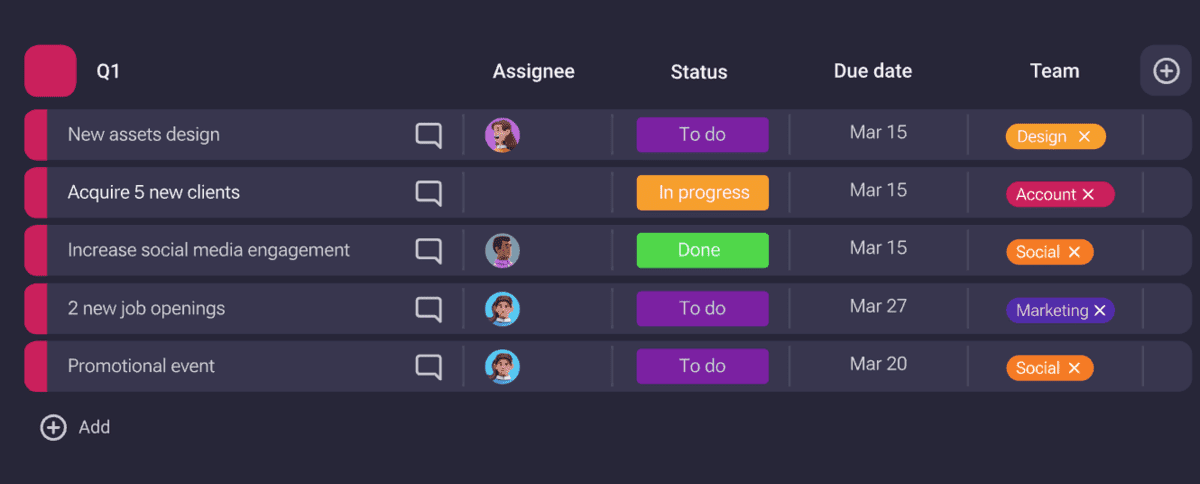
Nikola also likes to organize his tasks using multiple Plaky boards.
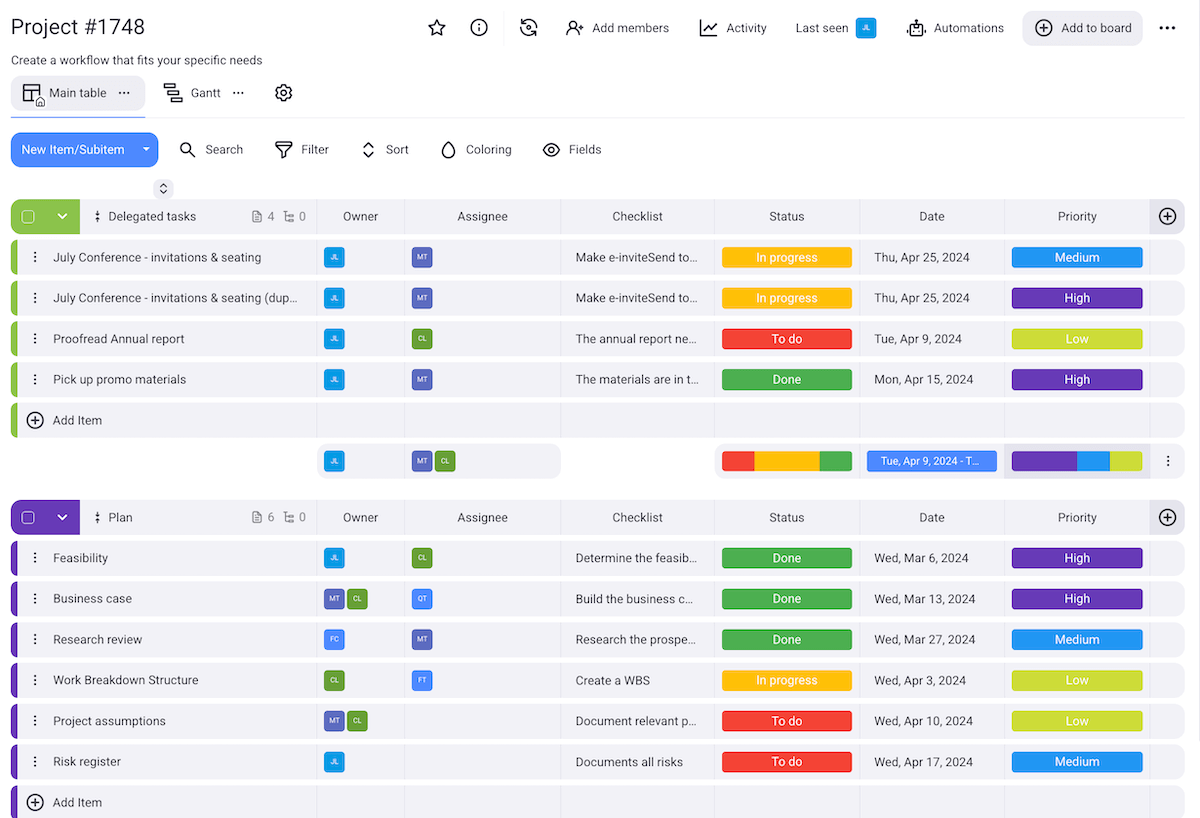
“I’ve created different tables. In one of the tables I keep all the clients and the potential tasks related to them. In this table, I mark whether a particular task is related to them or not. The other tables keep all this information separate and show whether the individual tasks have been completed or not.”
Who would Fincon recommend Plaky to?
When asked about who he would recommend Plaky to, Nikola noted that the software is suitable for a wide range of users.
“I’d recommend Plaky to anyone who has a large number of responsibilities and deadlines to keep track of and wants to have maximum control over those tasks and the feeling of security that these tasks will get done.”
Improve task organization with Plaky
Leading any business — let alone one as detail-oriented as a bookkeeping and accounting agency — creates a mountain of work.
This is why proper work organization is paramount, and why digital task management tools such as Plaky are so popular.
Plaky helps you:
- Stay organized thanks to clear boards available in 4 different board views,
- Save time by automating repetitive tasks, and
- Keep your data confidential by managing board permissions and user roles.
