A modern workflow software for efficient business processes

A workflow solution that helps you build and manage business operations across departments, all on one platform.

Get Started

Stay up to date in Plaky

What is workflow management?

A workflow is a system by which you get the work done.

A workflow management platform helps teams of all sizes streamline work procedures with ease, resulting in improved business processes and more productive employees.

Workflow management tools can provide a safe place for communicating, storing data and files, assigning, planning and executing tasks efficiently. It gives structure to habitual tasks and saves the team a lot of time.

Use workflow management for different business operations

dollar

Marketing

· Strategy calendar

· Content calendar

· Design requests

· Social media calendar

· Event planning

· Video management

comment

HR

· Employee onboarding

· Recruitment

· HR requests

trello

Projects

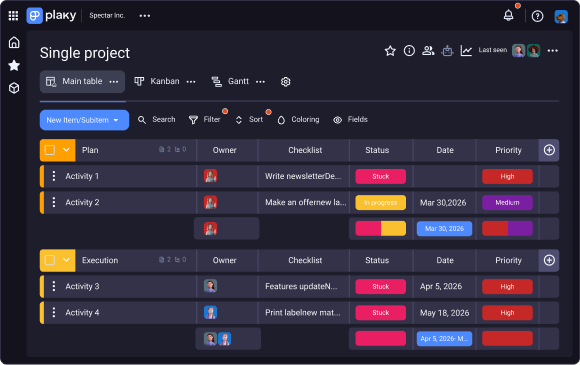
· Single project

· Resource planning

· Work log

headphones

Development

· Bug tracking

· Product roadmap

· Product launch

· Scrum board

code

Sales & CRM

· New clients

· Onboarding customers

· Sales pipeline

· Deals

· Contacts

· Inventory management

· Customer inquiries

Explore Plaky’s ready-made solutions to successfully jumpstart your next project

Key benefits of using Plaky's
workflow management software

Better insights into business

Generate awareness among your team about the goals of your business.

· Identify the desired outcome

· Determine tasks to achieve that

· Set a time goal for each of the tasks

Better insights into business

Everyone on the same page

Increase employee accountability and improve communication across teams.

· Create tasks owner and assign responsibility

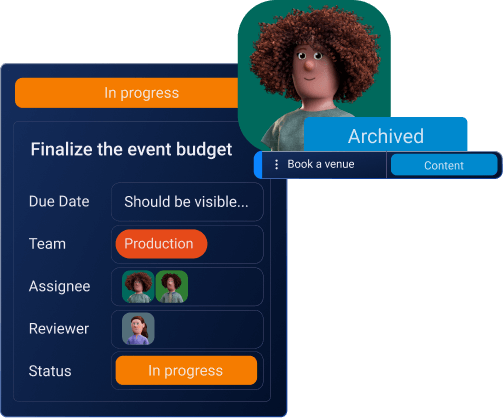
· Share task-related files straight in the item card

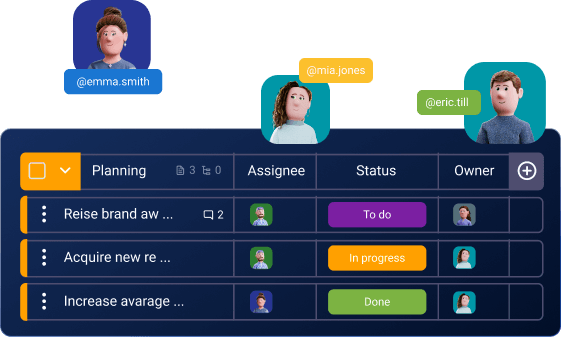
· @mention people to get their immediate attention

Everyone on the same page

Track processes at a glance

Streamline processes and get a bird's eye view into the team's activity and progress.

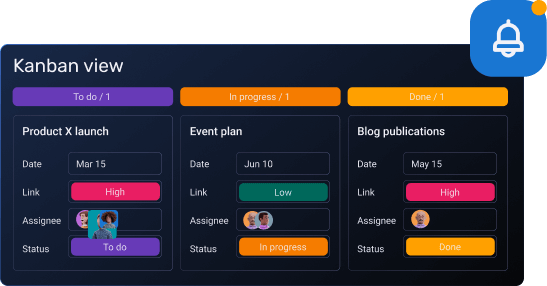
· Visualize your data with Kanban

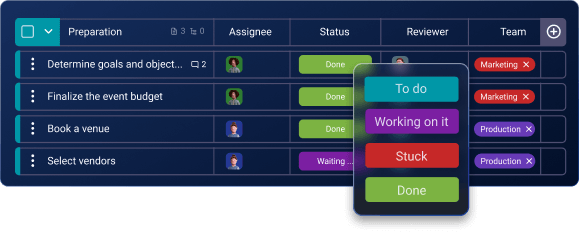
· Create statuses and access the priority level

· Get notified in real time about updates

Track processes at a glance

How to use workflow management software

TASKS

Define series of steps that represent the project related activities.

ASSIGNEE

Give your tasks an owner, so team members know who’s responsible.

DATE FIELD

Assign deadlines to ensure team’s tasks get completed on time.

STATUS FIELD

Indicates where you are in the process and what needs your attention.