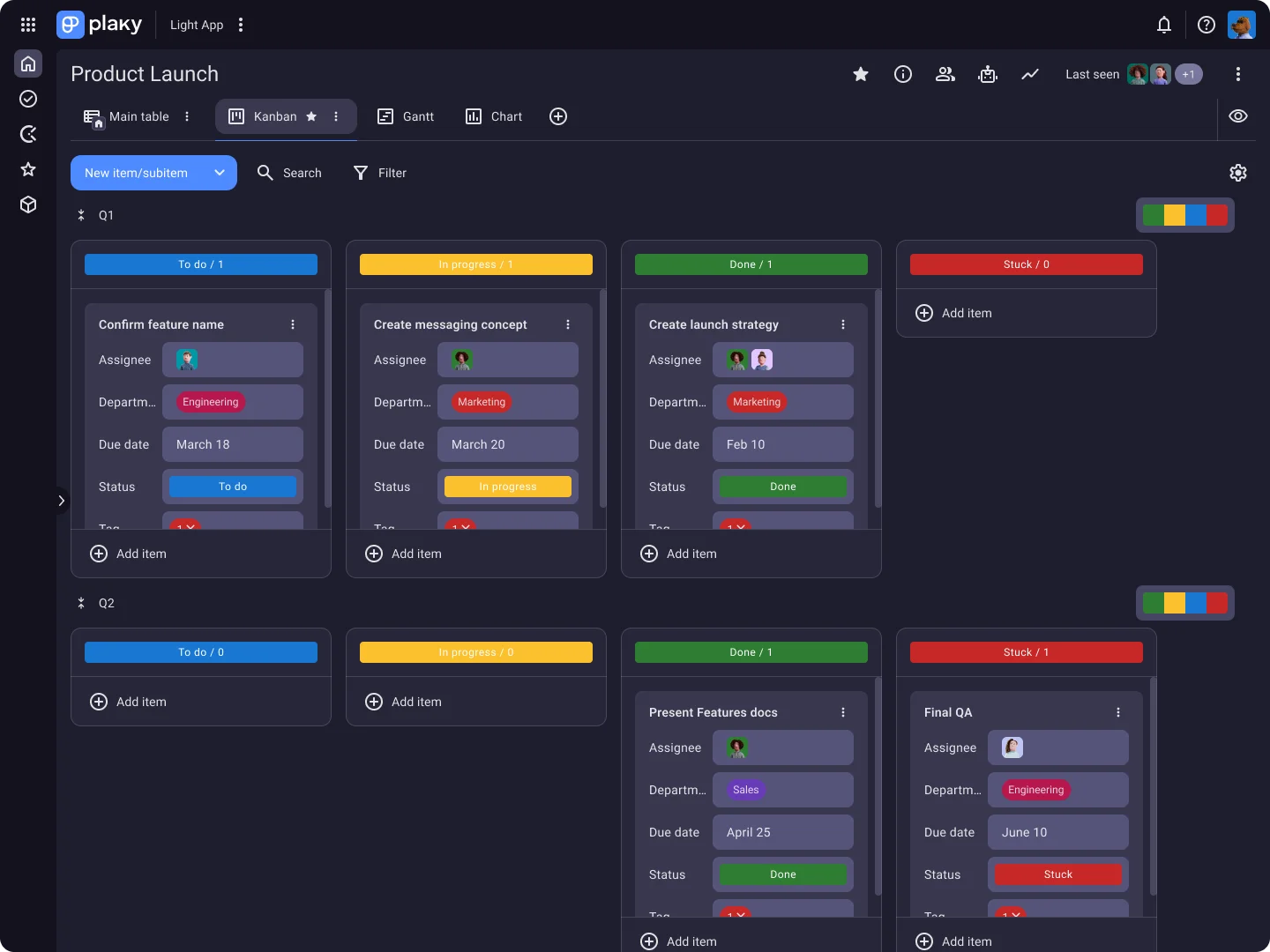
Map out your team’s processes and use tasks and subtasks to make each project phase more manageable.
Visualize progress
Check task progress at a glance and move tasks from one stage to the next to show you’re making headway.
Track bottlenecks
Use visual cues and insights to monitor bottlenecks and readjust your workflow as needed.
Say hello to consistent project delivery
Tailor your Kanban boards
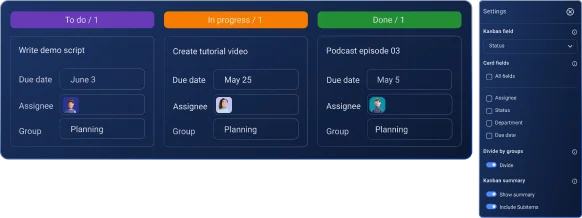
Customize your boards to fit your workflow. Once you’ve created a new Kanban view, use settings to tailor your Kanban board according to your needs.
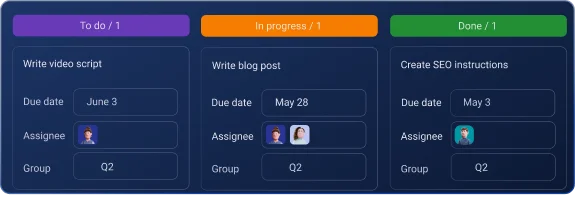
Manage tasks through stages
Visualize how tasks move through stages. Update task status fast by dragging and dropping them from one column to another.
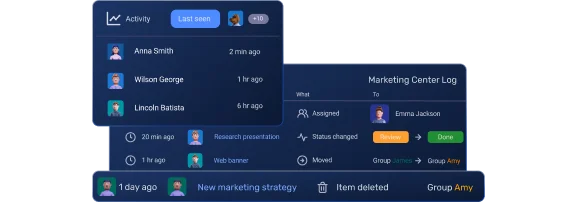
Track activity & changes
Make sure nothing falls through the cracks. Keep a close eye on any board or item changes and spot mistakes fast in the activity log.
Keep key files handy
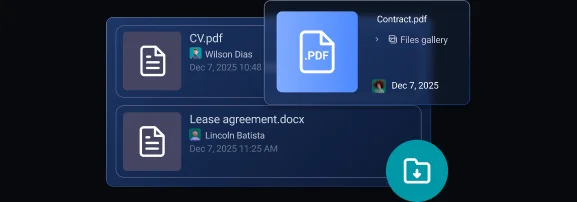
Save time on digging through files on your devices. Keep all task-related files in their corresponding task cards and have quick access to them at all times.
Share updates in real time
Keep collaboration flexible. Add comments and replies in task cards to share quick updates, and use reactions to streamline communication further.
Scale when you’re ready
Kanban boards are FREE in Plaky, so you can start planning your next project right away. Want more? Choose either PRO or ENTERPRISE plans and build more advanced project management workflows.
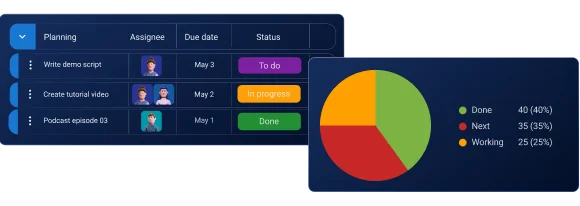
Get a different view of your projects. Switch to the Table view to scan project data fast or analyze key results and instantly understand where you stand with the Chart view.
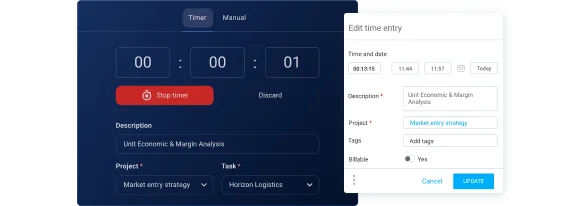
No more guesstimating. Plaky’s free integration with Clockify lets you track how much each task takes to complete and make better project time estimates.
A Kanban board in Plaky is a type of Board View that lets you categorize tasks in columns and drag and drop them from one stage to another.
Can I create Kanban boards for free in Plaky?
Yes! The Kanban board view is available for free in Plaky, along with the Table and Chart views.
How do I create a Kanban board in Plaky?
To create a new Kanban board view, click on the + sign next to the default main Table view and choose Kanban from the dropdown menu.
How can I customize my Kanban boards?
Some of the ways to customize your Kanban boards in Plaky include:
- Organizing the columns by different Status fields
- Choosing the exact Fields you want to display
- Dividing the Kanban view by groups
- Including both Items and Subitems in the view
- Displaying a Kanban Summary
- Filtering the tasks by different criteria.
Can I automate task movement?
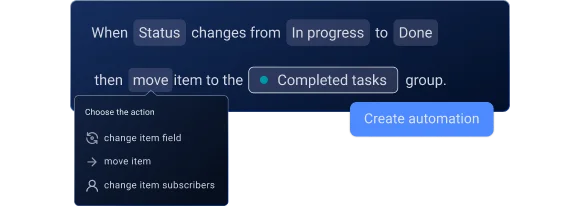
Yes, you can use Board Automations in Plaky to automate task movement across stages based on different triggers and actions. Board Automations are available on PRO and ENTERPRISE plans.
Can I add files to the task cards?
Yes, you get unlimited file storage in Plaky and can add files to their corresponding task cards for easy access. Keep in mind that file size depends on the plan you’re subscribed to.
How can my team collaborate in Plaky?
Your team members can communicate with each other in the comments section of each task card on your Kanban board — share updates and reply or react to comments.
Plaky also has a robust notification system, which users can customize to make sure they never miss an update.
Another great perk is Plaky’s free integration with Pumble. By using Plaky and Pumble together, your team can get Plaky task updates directly in Pumble, set up automatic updates, and get quick information about tasks through task previews.
What sets Plaky’s Kanban boards apart?
In Plaky, users can create an unlimited number of Kanban board views, as well as invite an unlimited number of users and create an unlimited number of projects — all for free.
On top of that, Plaky’s Kanban boards are entirely customizable, so you can tailor them to fit your workflow — and not the other way around. Used together with other Plaky functionalities, like the summary row and board automations, your Kanban boards can be robust project management hubs.