 Published: August 27, 2025
Plaky is a reliable, intuitive project management tool that’s built for companies of all sizes — from startups to enterprises.
Of course, differently sized companies need different plans — so which ones does Plaky offer and how much do they cost? Read on to find out!

How much does Plaky cost?
Plaky lets you choose from 4 different plans:
- Free — for simple task management,
- Pro — for efficient project management,
- Enterprise — for enhanced data privacy and security, and
- CAKE.com Bundle — for maximizing your savings when using Clockify + Pumble + Plaky.
Here’s a quick overview of Plaky’s pricing:
| Plaky plan | Monthly price | Yearly price |
|---|---|---|
| Free | $0 | $0 |
| Pro | $4.99/seat/month | $3.99/seat/month |
| Enterprise | $10.99/seat/month | $8.99/seat/month |
| CAKE.com Bundle | $15.99/seat/month | $12.99/seat/month |

Is Plaky really free?
Yes, Plaky offers a free plan, which gives you unlimited users, boards, items, and views.
The free plan is best suited for small and growing businesses — since it doesn’t limit your user count, you’re able to scale with ease. No worries about upgrading because of limited seats!
Other apps also usually require you to add a card when starting a free trial, so they can charge you as soon as it ends. Not Plaky, though; you can create a free account and start your free trial without adding any card details.
Plaky’s pricing plans explained
Let’s take a closer look at Plaky’s plans and pricing, who they’re best for, and what each offers.
Free plan
Plaky’s free plan is best for startups and small businesses who want a reliable option that allows them to scale at their own leisure.
The free plan includes all the features you’ll need to get your projects up and running, like:
- Unlimited users,
- Unlimited boards, items, and views,
- Access to Table, Kanban, and Chart views,
- Comments, @mentions, and item tags,
- Pre-made industry templates,
- Summary row, and
- 24/7 customer support.
With these features alone, you have everything you need to set up a functional board in Plaky without wasting a dime.
Aside from that, Plaky offers a couple of useful integrations to help you improve your workflow:
- Clockify time tracking integration — so that you can track time directly from Plaky’s item cards. You can later use this info to create timesheets and invoices, as well as improve your timeline planning in the future.
- Pumble team collaboration integration — so that your team can get notifications about any changes made to Plaky items directly in Pumble. This way, no update goes unseen!
On top of that, Plaky is compliant with SOC 2 and ISO 27001. So, you don’t need to worry about your workspace’s security, no matter which plan you choose.
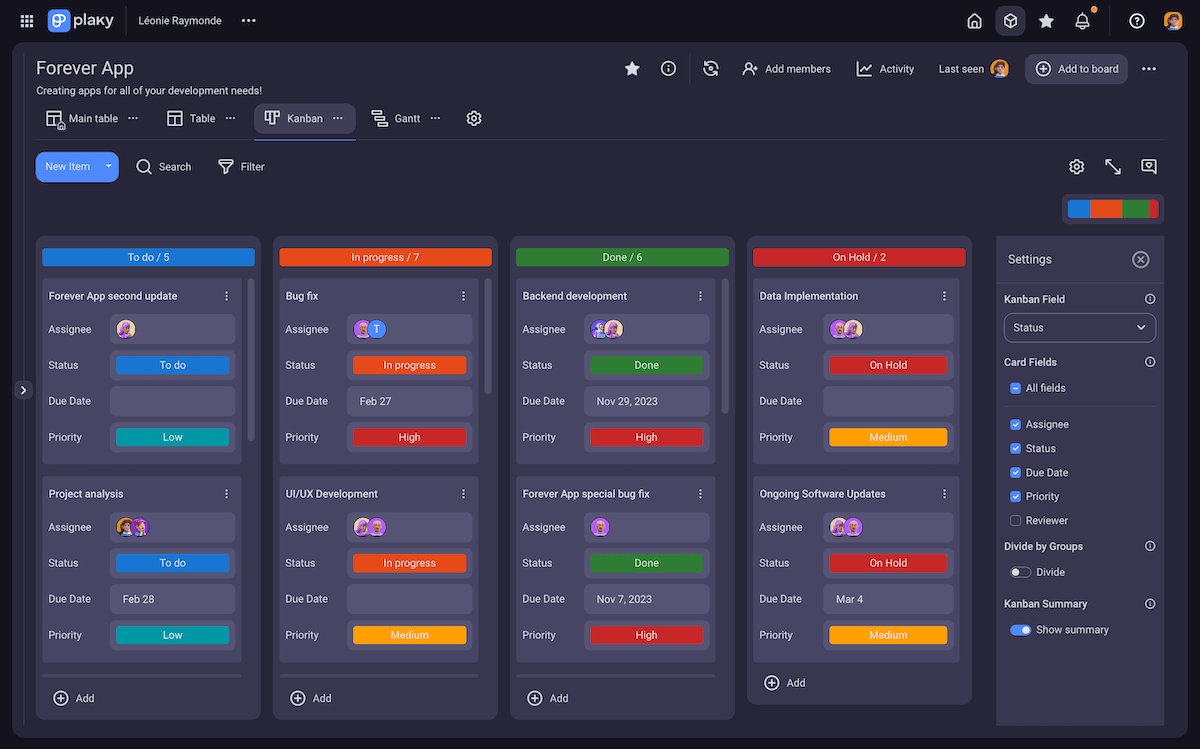
As far as limitations go, Plaky limits free plan users to:
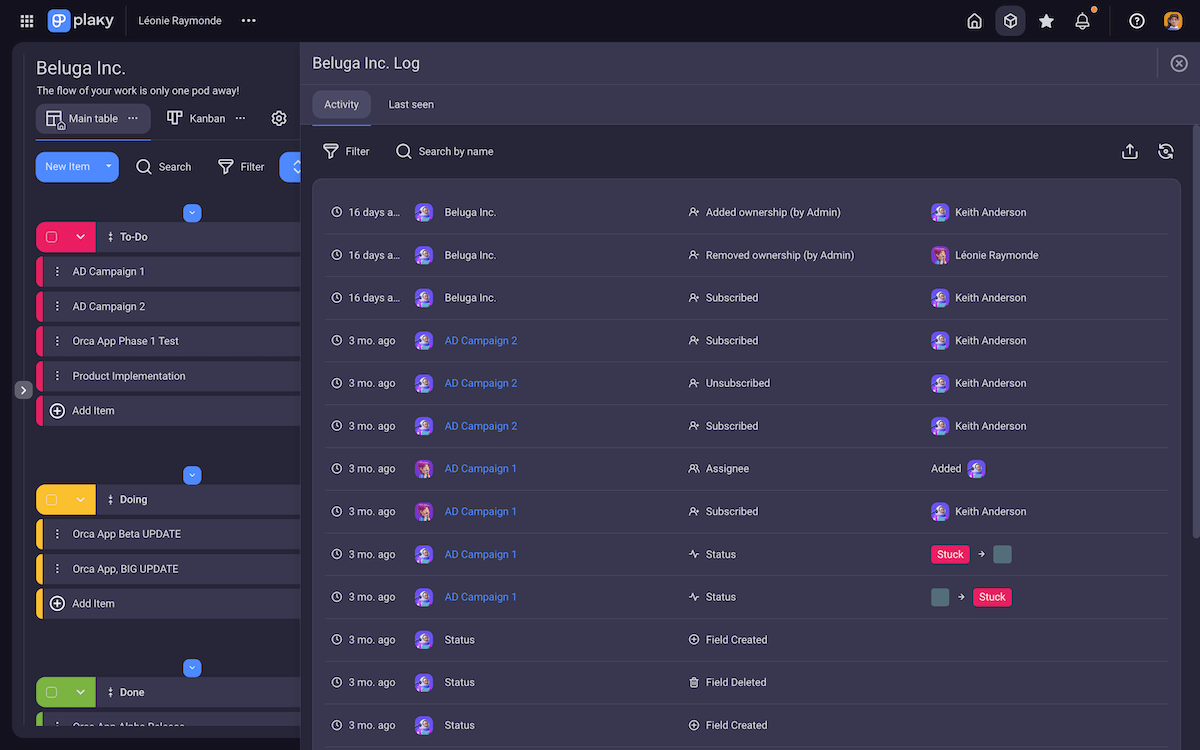
- A 7-day activity log,
- Up to 6 custom fields per board, and
- 10 MB limit per file (although the number of files you can store on the free plan is unlimited).
Other premium features, like Gantt charts and board automations, are also unavailable on Plaky’s free plan, though you can try them out during the 14-day free trial.
Pro plan
Plaky’s Pro plan introduces substantial features best suited for growing teams.
As your team grows, you’ll find yourself in need of better timeline tracking and workflow optimization.
That’s why Plaky’s cheapest paid plan introduces:
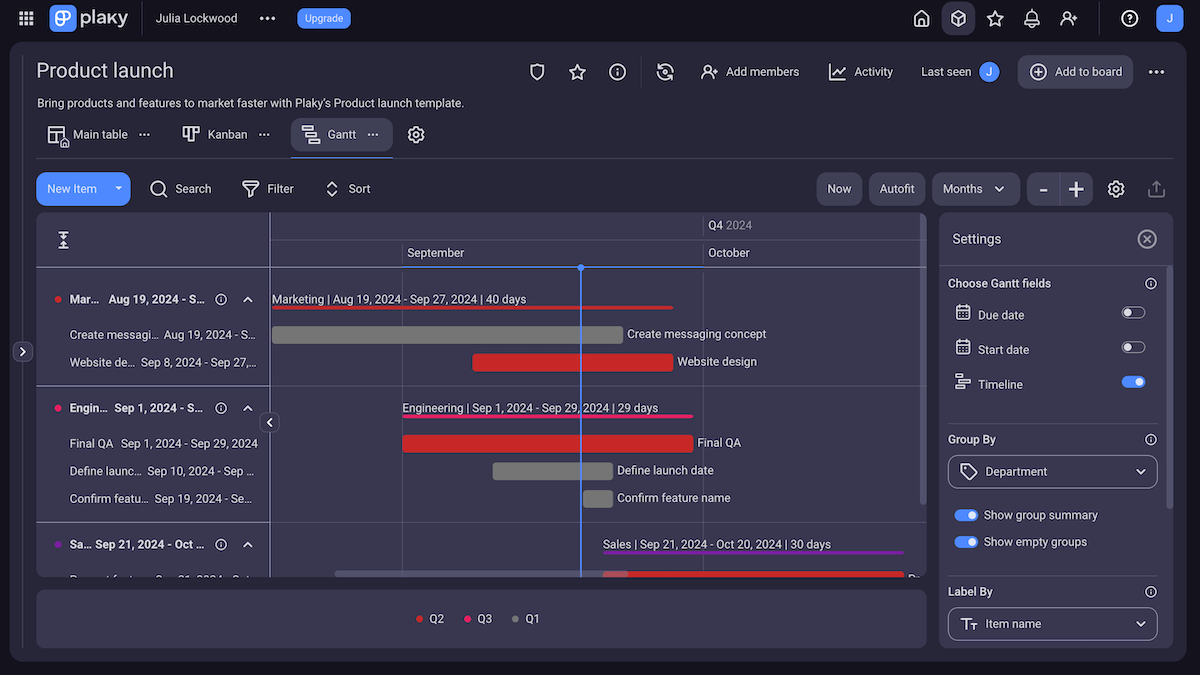
- Gantt charts,
- Private views,
- Automations (1,000 actions per month),
- Conditional coloring,
- Custom board and task templates,
- Bulk actions, and
- Private boards and team permissions.
The free plan limitations are also boosted in the Pro plan, with users getting access to:
- A 6-month activity log,
- 12 custom fields per board, and
- 25 MB limit per file.
On top of that, you can get access to a dedicated success representative — who’s there for you for personalized consultations, tailored onboarding, and concierge services.
The success representative requires no additional fees. However, you need to have more than 120 seats registered in the Pro plan to qualify.
The Pro plan costs $3.99/seat/month when billed annually.
💡 Plaky Pro Tip
Find out how growing teams handle common PM challenges with Plaky:
Enterprise plan
Plaky’s Enterprise plan is fit for larger teams that need more control over users and can’t deal with limits on premium features.
With Plaky’s Enterprise plan, you get access to:
- Board permissions and ownership management,
- Customized user profiles,
- Unlimited custom fields,
- Unlimited automation runs, and
- An unlimited activity log.
You also get access to OAuth2 SSO to make signing in more convenient and secure.
And the dedicated success representative we mentioned? With the Enterprise plan, you only need 50 seats to qualify!
The Enterprise plan costs $8.99/seat/month when billed annually.
Bonus: CAKE.com Bundle
Plaky is also a part of the CAKE.com Bundle, which gives you access to Plaky’s Enterprise plan.
But that’s not all; you also get access to 2 more productivity apps (also fully upgraded to their Enterprise plans):
- Clockify — which lets you track time, create invoices and timesheets, get detailed reports on time tracked, etc.
- Pumble — which helps you centralize team communication and collaboration, message team members, create discussion channels, conduct meetings, etc.
Just like with Plaky, you’ll get full access to both of these apps — which means you can take complete advantage of their capabilities.
Plus, all 3 of these apps have comprehensive integrations with each other — so getting all of them is only a plus.
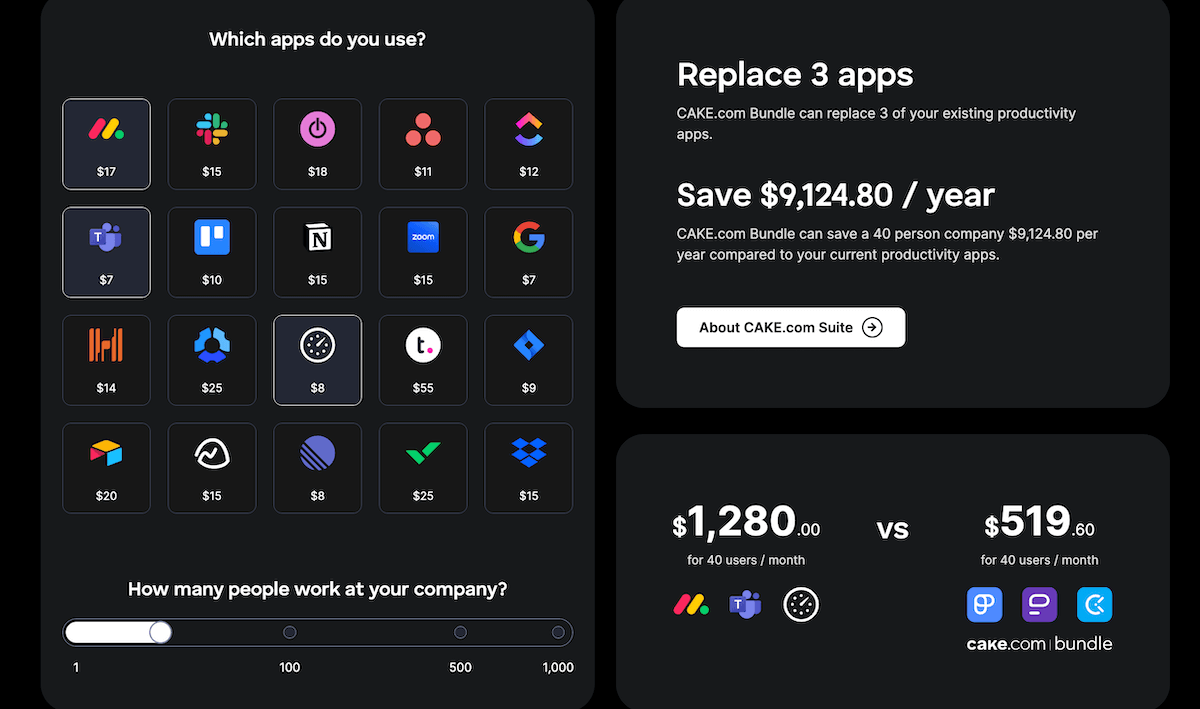
Buying each app individually would cost you $27.97/user/month (Enterprise plans, billed annually). However, the CAKE.com Bundle costs $12.99/user/month when billed annually — that’s more than 50% saved.
On CAKE.com’s Bundle page, there’s also a calculator that can help you compare how Bundle’s prices fare against the productivity suite you’re currently using.

💡 Plaky Pro Tip
Find out how you can benefit from getting the CAKE.com Bundle and how our products complement each other in the article below:
How does Plaky compare to its competitors?
Comparing Plaky to every PM tool out there would probably turn this article into a 4,000-page tome.
Instead, let’s see how it compares to some of the most prominent project management software out there.
Plaky vs monday.com pricing
The main difference between Plaky and monday.com is that monday.com offers an additional paid plan (Standard). There’s also a stark difference between the apps’ pricing, as Plaky is noticeably cheaper.
| Plan | Plaky | monday.com |
|---|---|---|
| Free | $0 | $0 |
| Basic | ❌ | $9/seat/month* |
| Standard | ❌ | $12/seat/month* |
| Pro | $3.99/seat/month* | $19/seat/month* |
| Enterprise | $8.99/seat/month* | POA |
| CAKE.com Bundle | $12.99/seat/month* | ❌ |
*billed annually
Feature-wise, the free plans are fairly similar. However, there’s a big difference when you compare the free plan limits, as monday.com isn’t as generous as Plaky.
| Feature | Plaky | monday.com |
|---|---|---|
| User limit | Unlimited | 2 |
| Item/task limit | Unlimited | 1000 |
| Board limit | Unlimited | 3 |
| Kanban view | ✅ | ✅ |
| Activity log | 7 day | 7 day |
| Summary row | ✅ | ✅ |
| Google SSO | ✅ | ❌ |
With these rigorous user and board limits, monday.com is a less adequate alternative for smaller teams, or teams who want to scale at their own convenience.
💡 Plaky Pro Tip
If you want to see how Plaky compares to monday.com in more detail, check out this thorough comparison:
Plaky vs Asana pricing
Asana is among the most widely used PM tools — and among the most expensive. Its bloated prices are even more apparent when put side-by-side with Plaky’s.
| Plan | Plaky | Asana |
|---|---|---|
| Free | $0 | $0 |
| Pro/Starter | $3.99/seat/month* | $10.99/seat/month* |
| Advanced | ❌ | $24.99/seat/month* |
| Enterprise | $8.99/seat/month* | POA |
| CAKE.com Bundle | $12.99/seat/month* | ❌ |
*billed annually
Even if you’re not looking for a paid plan, Asana puts quite a few restrictions on its free plan compared to Plaky.
| Feature | Plaky | Asana |
|---|---|---|
| User limit | Unlimited | 10 |
| Item/task limit | Unlimited | Unlimited |
| Board limit | Unlimited | Unlimited |
| Board views | ✅ | ✅ |
| Multiple assignees | ✅ | ❌ |
| Time tracking | ✅ | ✅ |
| 24/7 support | ✅ | ❌ |
| Google SSO | ✅ | ❌ |
As you can see, Asana does offer some useful features in its free plan, like time tracking.
But with the strict user count limit, as well as a lack of customer support, you’ll run into plenty of hurdles even in the free plan. Wouldn’t it be better to stick with a more reliable option?
💡 Plaky Pro Tip
Check out our in-depth comparison of Plaky and Asana:
Plaky vs Trello pricing
The main difference between Trello and Plaky lies in their versatility. Trello is very Kanban-focused, while Plaky offers additional project management options (along with a Kanban board of its own).
When it comes to their pricing, the apps are fairly comparable, though Plaky’s Enterprise plan is noticeably cheaper. That said, Trello has an additional plan to offer — Premium.
| Plan | Plaky | Trello |
|---|---|---|
| Free | $0 | $0 |
| Pro/Standard | $3.99/seat/month* | $5/seat/month* |
| Premium | ❌ | $10/seat/month* |
| Enterprise | $8.99/seat/month* | $17.50/seat/month* |
| CAKE.com Bundle | $12.99/seat/month* | ❌ |
*billed annually
Once again, Plaky takes the cake when it comes to affordability. Both apps offer a free plan — but when you look at the details, you can clearly tell Trello provides less value.
| Feature | Plaky | Trello |
|---|---|---|
| User limit | Unlimited | 10 |
| Item/card limit | Unlimited | Unlimited |
| Board limit | Unlimited | 10 |
| Kanban view | ✅ | ✅ |
| Table view | ✅ | ❌ |
| Activity log | 7 day | Unlimited |
| Google SSO | ✅ | ❌ |
Trello is good if you’re a Kanban enthusiast — but unless that is the sole feature you need, Plaky proves to be the better option.
On top of that, if you’re already using Trello, you can easily import data from Trello to Plaky while switching.
Plaky vs ClickUp pricing
ClickUp is a popular task management tool that offers complex features with a decent free plan.
As expected, though, when you compare Plaky’s affordability to ClickUp — Plaky triumphs.
| Plan | Plaky | ClickUp |
|---|---|---|
| Free | $0 | $0 |
| Pro/Unlimited | $3.99/seat/month* | $7/seat/month* |
| Business | ❌ | $12/seat/month* |
| Enterprise | $8.99/seat/month* | POA |
| CAKE.com Bundle | $12.99/seat/month* | ❌ |
*billed annually
That said, ClickUp is a solid contender when it comes to the free plan. It lifts a lot of the usual limitations, just like Plaky.
But unlike Plaky, ClickUp’s free plan doesn’t come with plenty of features you need to lead a successful project, like an activity log.
| Feature | Plaky | ClickUp |
|---|---|---|
| User limit | Unlimited | Unlimited |
| Item/task limit | Unlimited | Unlimited |
| Space limit | Unlimited | 5 |
| Subtasks | ✅ | ✅ |
| Summary row | ✅ | ❌ |
| Activity log | ✅ | ❌ |
| Google SSO | ✅ | ❌ |
| 24/7 support | ✅ | ✅ |
Plaky, on the other hand, gives you unlimited users and gives them something to do while in the app. So, with essential features covered, you can be sure you’ve picked the right free plan.
Is Plaky the right solution for you?
At this point it’s obvious that the question isn’t whether Plaky is right for you — it’s which Plaky plan should you go for?
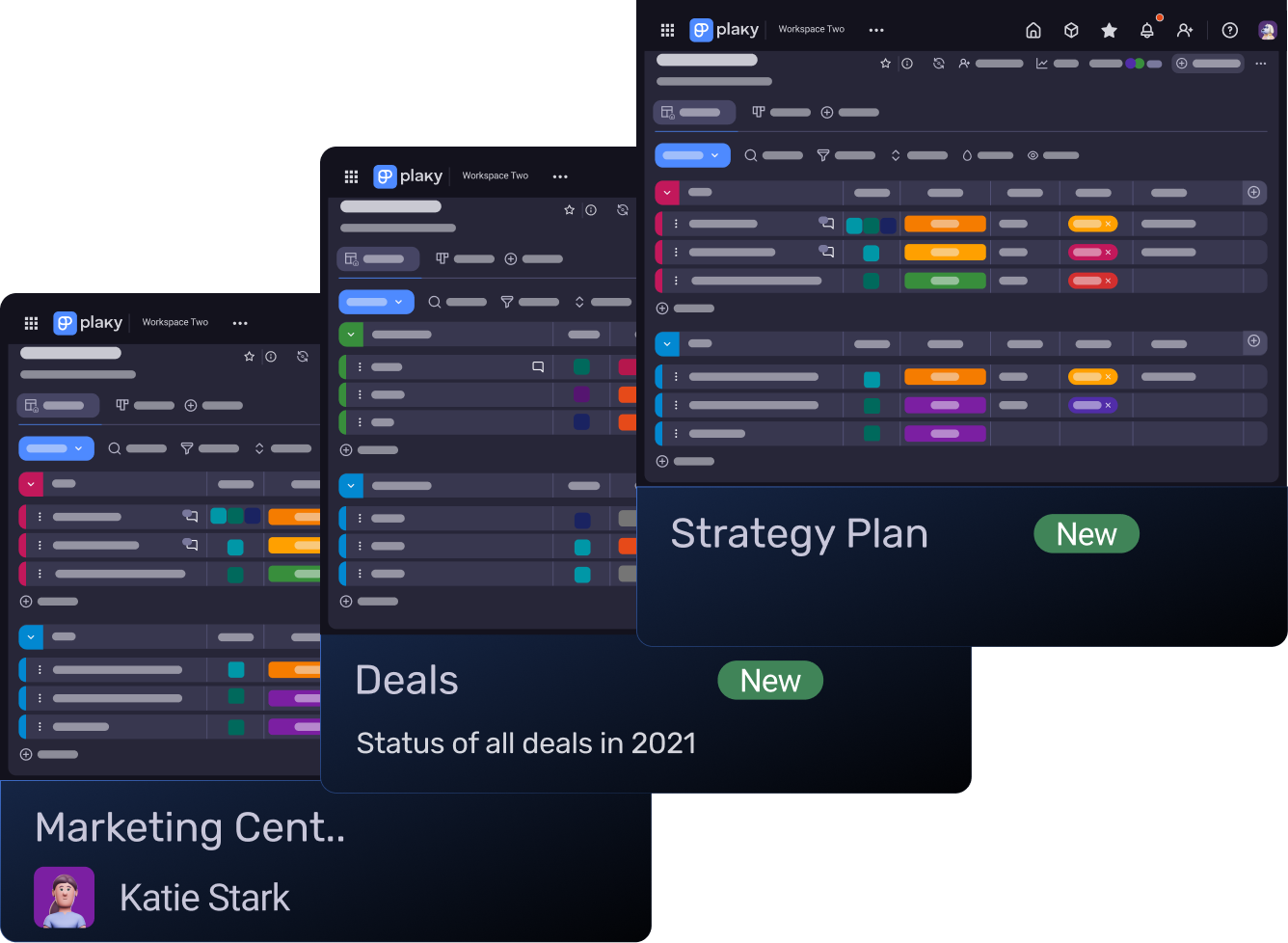
The free plan is pretty straightforward. If you run a small team or don’t want to budget for a PM tool yet, Plaky’s free plan will give you everything you need to kickstart your projects.
This plan sets no arbitrary limitations and gives you access to features that most other tools limit to paid plans — for example, time tracking. In Plaky, you get access to it from the get-go, so you can immediately start boosting productivity with improved timeline planning.
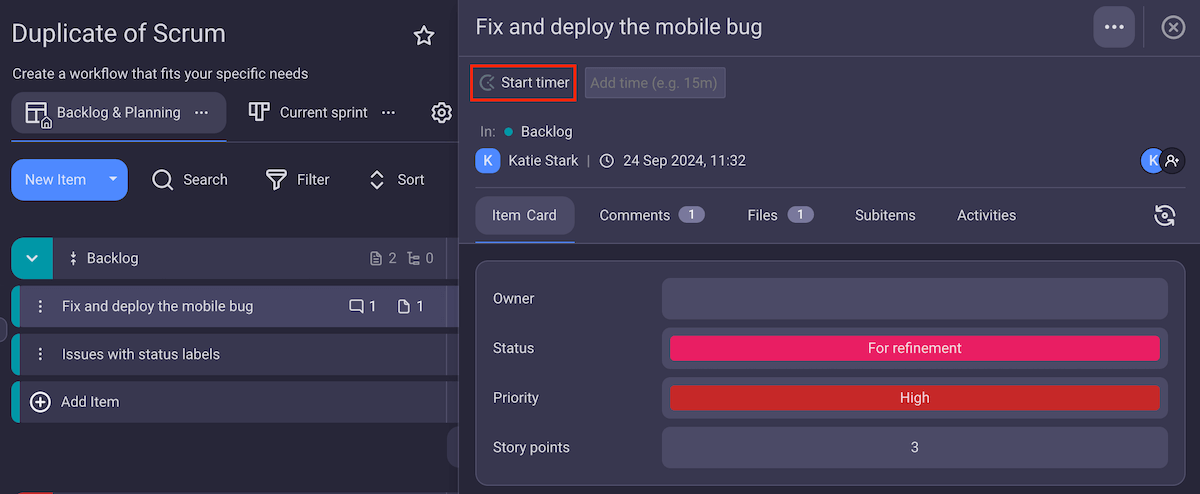
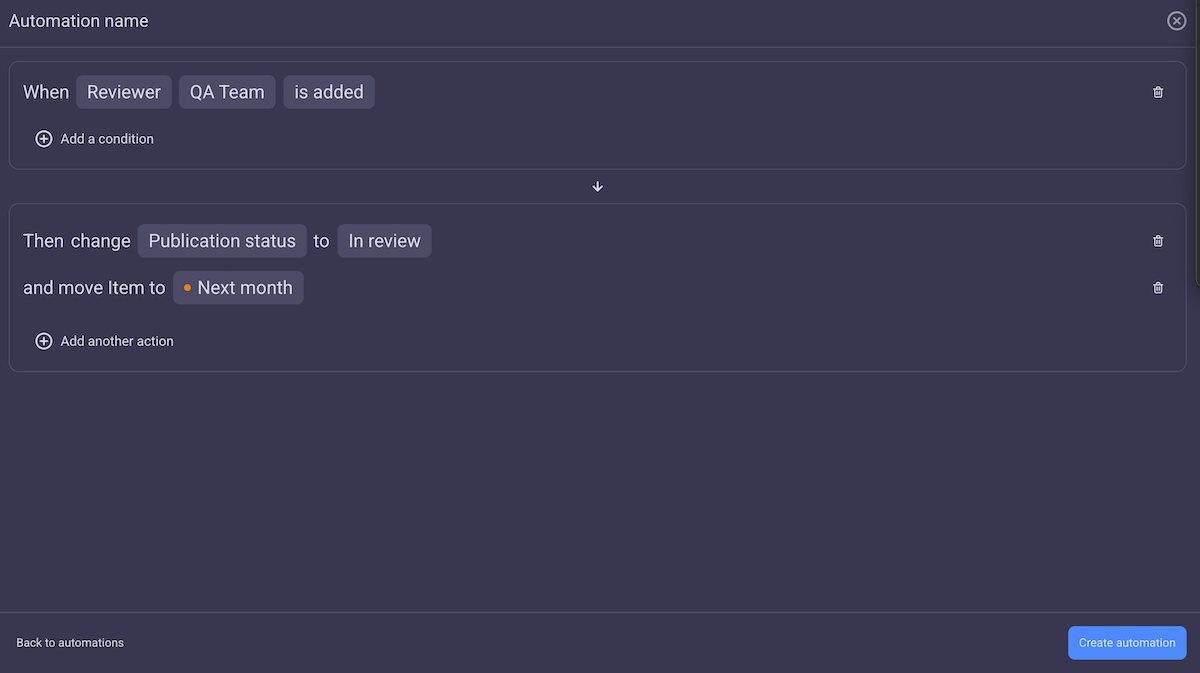
The Pro plan is amazing if you want to upgrade your project management as your team grows. You can optimize your board more efficiently with automations, conditional coloring, bulk actions, etc. As you grow, work keeps piling — so Plaky’s got your back as you do the work that actually matters.
And, if you’re running a large company, the Enterprise plan is the perfect fit for you.
Things tend to get much riskier when you’re juggling hundreds of employees and projects of all sizes. That’s why Plaky’s Enterprise plan gives you enhanced security and lifts the limits on key premium features, like custom fields, automations, and the activity log.
But if you’re getting the Enterprise plan, remember that it’s included in the CAKE.com Bundle. With the full power of 3 productivity apps at a fraction of the price, you can save money and increase your team’s efficiency.
That said, no matter which plan you choose, Plaky’s features and design clearly show it’s more than worth the cost.
Time is money — so stop wasting it NOW. Try Plaky today!
How we reviewed this post: Our writers & editors monitor the posts and update them when new information becomes available, to keep them fresh and relevant.