Plaky
Project and task management
Pumble
Team communication and collaboration
Clockify
Time and cost tracking
Powered by
Learn how to start using Plaky.
Learn how to organize a board with multiple views to get the most out of your Plaky workspace.
Read more ⟶
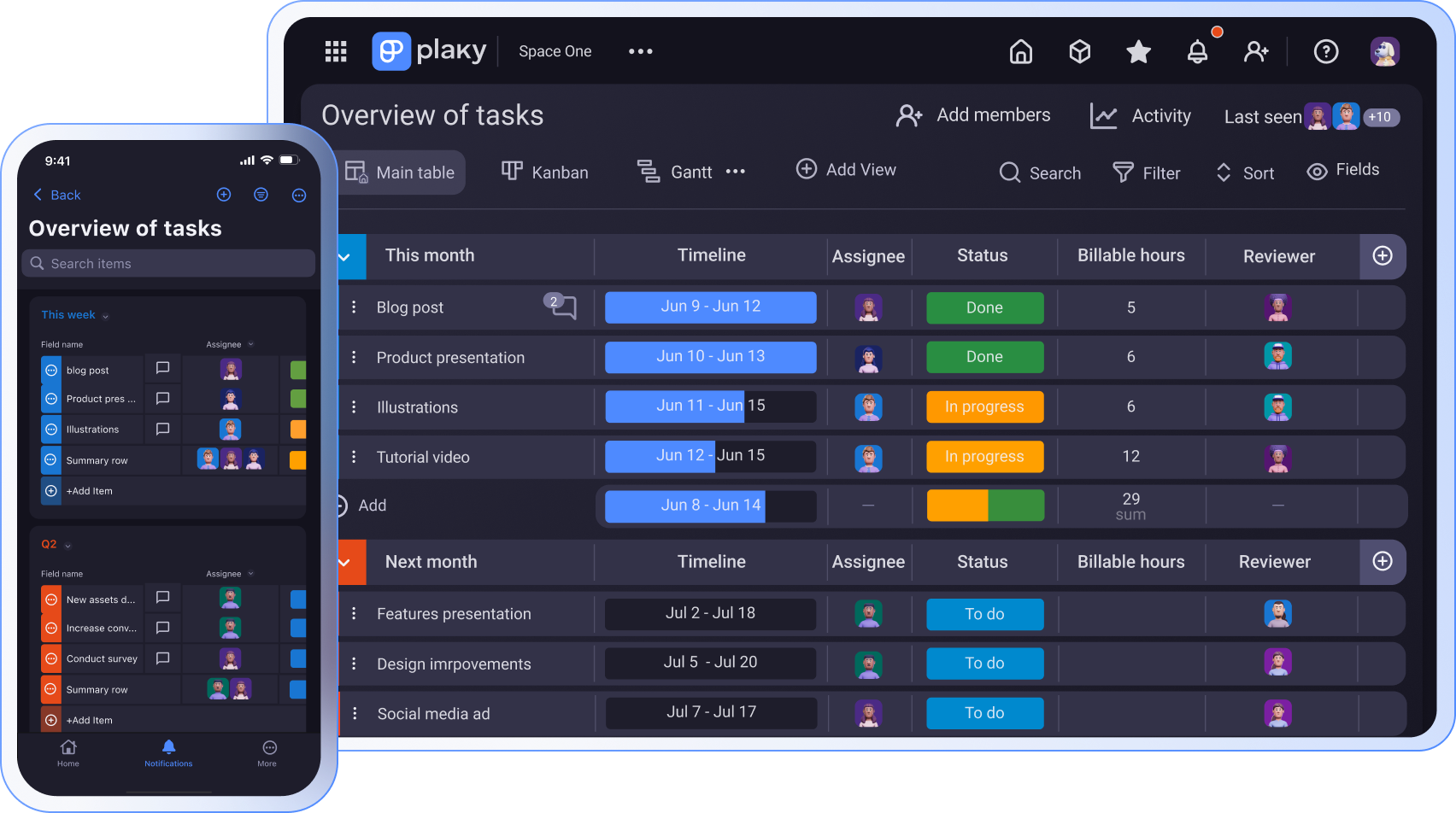
Get Plaky on mobile to plan projects, track statuses, and manage teams from anywhere. It is available for Android and iOS users to support work on the go.
From subtasks to custom coloring, explore 10 underrated Plaky features that make project management faster and easier.
Discover the best features that enable communication in Plaky. Boost collaboration with these top tips.
Turn tasks into time entries without switching tabs with the Plaky + Clockify integration. Read our guide for all the essential info!
Learn how to use the My tasks page in Plaky to reduce board-hopping and work with greater clarity.
Learn how to use Plaky’s board automations to streamline your workflow, minimize manual work, and keep tasks moving.
Learn how to efficiently plan and manage your work in Plaky with different organizational layers and views.
Find out how to define permissions and restrictions in Plaky in seconds. Plaky lets you control which team members and clients can see or edit project boards.
Take control of your team's workload and achieve better project results with Plaky.