Plaky is a free organisational tool that can save you time and money, by making your team more coordinated & aligned.
One can never be too organized, and there is always room for improvement. Imagine the chaos a disorganisation can bring to work.
We have awesome news for you: increasing the productivity of your team is easily achievable. It just requires structured processes & deliberate actions toward managing your tasks, team & time.
Professionals from different industries including (but not limited to) marketing, science, HR, sales or software development can find an ally in Plaky for managing their project in the most flexible & user-friendly way.
Plaky makes work transparent, as everyone can see what other team members are doing and easily identify people responsible for certain tasks. Organize your to-dos in one place, label them with fields, manage them in categories and everyone will know what needs to be done next.
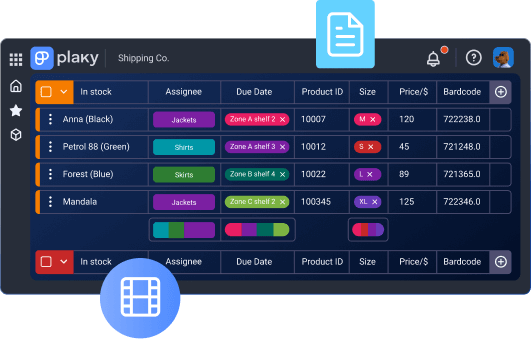
Stop struggling with emails, spreadsheets or even handwritten notes. From links, to files to other project-related documentation - place everything in your tasks card so you or other teammates can access it quickly later. Have one pool of knowledge & communication and always stay in context.
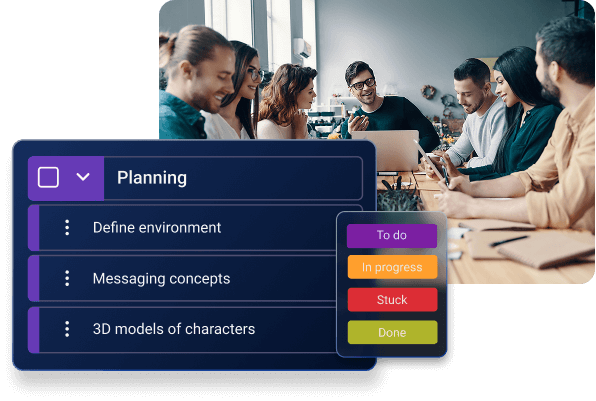
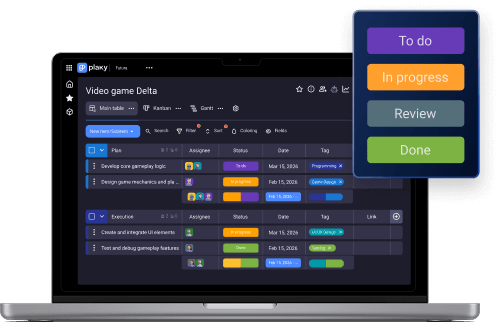
The app is designed to allow you to visualize and effortlessly track your project from idea to realization. It will be hard not to see the color coded statuses of your tasks, or to switch to different views of the same project in order to track specific data of interest.
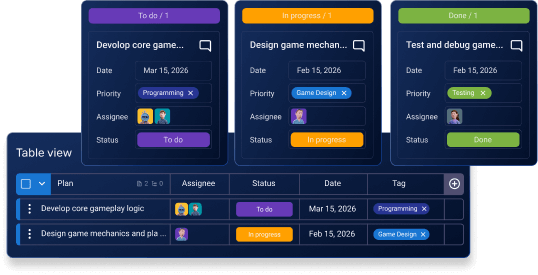
Organize your team communication, manage tasks & share ideas all within your item card.
Plaky simplifies assigning tasks as you don’t have to send emails containing task instructions to each team member separately. You can easily create, schedule, and delegate tasks, Categorize work with fields so you always know where you stand with your project.
See your project progress at a glance. Use status fields to identify the status of all existing work and filter tasks by different dimensions, such as due date or priority.
Choose Table or Kanban view and control what to see, sort by multiple fields, and add filters to see only the items you need. If you need to check changes on a board or a specific item use the activity log feature.
Any sort of activity around specific tasks can be tracked so you and your teammates can easily stay in the loop. Get notified when status is changed on some of your tasks.
· Strategy calendar
· Content calendar
· Design requests
· Social media calendar
· Event planning
· Video management
· Employee onboarding
· Recruitment
· HR requests
· Single project
· Resource planning
· Work log
· Bug tracking
· Product roadmap
· Product launch
· Scrum board
· New clients
· Onboarding customers
· Sales pipeline
· Deals
· Contacts
· Inventory management
· Customer inquiries