
Edit your profile
1 min read
If you’d like to change your personal information, such as email address, profile picture or user name, you need to do it directly from your CAKE.com account. The changes you make there will automatically be applied to your Plaky Workspace.
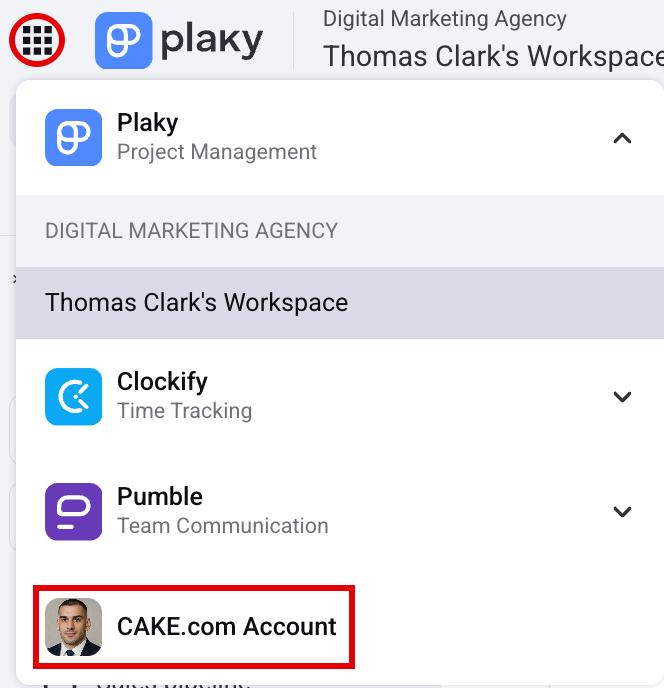
Here’s how to open your CAKE.com account.
- Click on the app switcher in the top left corner
- Click on the CAKE.com account
Tip
Check out this article to learn how to edit your profile information at CAKE.com.
Was this article helpful?
Thank you! If you’d like a member of our support team to respond to you, please drop us a note at support@plaky.com