ClickUp is a popular project management tool, famous for its rich offer of features and colorful interface.
But, how much would it cost you to set it up?
Here’s a breakdown of all ClickUp pricing plans, plus what they have to offer, and how much they’ll cost depending on your team size.
ClickUp pricing at a glance
Price last verified: 04.11.2026.
ClickUp offers 5 pricing plans:
- Free Forever
- Core
- Business
- Enterprise
- Max
The ClickUp pricing starts at $9/user/month and goes up to as much as $100/user/month for the highest tier.
Here’s an overview of the ClickUp pricing plans:
| Plan | Annual pricing | Monthly pricing | Best for |
|---|---|---|---|
| Free Forever | $0 | $0 | Individuals or small teams |
| Core | $9/user/month | $12/user/month | Small businesses that need file storage and project timelines |
| Business | $17/user/month | $25/user/month | Mid-size teams with complex projects |
| Enterprise | Custom | Custom | Teams looking for advanced administrative features and data residency control |
| Max | $100/user/month | $120/user/month | Large teams that want an AI-driven workspace |
What’s interesting about ClickUp’s pricing structure is that its top and most powerful plan has fixed pricing ($100/user/month billed annually) while the Enterprise plan has custom pricing requiring you to contact them to get a quote.
It’s important to mention that if you’re not happy with your purchase, ClickUp offers a full refund for 30 days. But, you need to be careful since users that used the free trial before committing to the purchase are not eligible for refunds.
Is ClickUp totally free?
Yes, you can use ClickUp for free indefinitely without any time limitations.
Still, while you’re allowed to use it forever, there are a lot of limitations — 5 Spaces, 60 MB file storage, 1-day activity view, and 500 AI credits — making it difficult to stretch it over a long period of time.
ClickUp’s pricing plan explained
Let’s see what each ClickUp plan offers in more detail.
ClickUp Free Forever plan
ClickUp’s Free Forever plan is ideal for personal use. It’s also great for small business owners who don’t necessarily require extensive project workflow and organizational features.
The Free Forever plan is available to an unlimited number of users and offers:
- Unlimited Tasks & Subtasks
- Time tracking
- Calendar view
- Kanban boards
- 2-factor authentication
- 60 MB file storage
- Collaborative docs
- Guests (with full create and edit permissions)
- 500 AI credits per Workspace
The Free plan also offers 24/7 support. However, the advantages of ClickUp 24/7 support are dubious to say the least, considering the response time for the first reply is 2 days.
While the Free plan doesn’t limit the number of team members you can add, its other limitations (5 Spaces, 60 MB file storage, 1 day activity view, etc.) make it not suitable for larger teams or complex projects.
ClickUp Core plan
The Core plan is best for small businesses which like to track their project timelines on a Gantt chart and use their PM apps to store a large number of files.
ClickUp’s Core plan includes everything that’s on the Free plan, plus:
- Custom Fields
- Unlimited Gantt charts
- Unlimited ClickUp Chat
- 10 Whiteboards
- 1,000 AI credits/user/month
- Guest permissions
- 7-day activity view
- Unlimited file storage
The Core plan is definitely an improvement over the Free plan, but still lacks some security and data privacy features such as 2FA via SMS, Google SSO, private docs, and protected views.
ClickUp Business plan
ClickUp’s Business plan targets mid-sized teams who need advanced project management features to run long-term projects.
It incorporates everything from the Core plan, and also:
- Resource management
- Private views
- Google SSO
- Timesheets
- Unlimited activity view
- 1,500 AI credits/user/month
- Pinned custom Fields
- Private Whiteboards
- 10,000 Automations/month
The Business plan offers a lot of features and access to automations, but still lacks advanced administrative features. For that, you’ll need the Enterprise plan.
ClickUp Enterprise plan
The Enterprise plan is the only plan that requires you to contact ClickUp’s sales team to find out how much it’ll cost you. Besides everything included in the Business plan, the Enterprise plan also offers:
- 3,000 AI credits/user/month
- Priority support
- Enterprise Permissions and Governance
- Advanced Custom Field Manager
- Protected docs
- Timesheet approvals
- HIPAA compliance
- Microsoft, Okta, and SAML SSO
With the Enterprise subscription, you can choose the region your Workspace data is hosted in — US, EU, or APAC region. Moreover, Enterprise plan lets you limit public sharing as well as manage publicly shared items.
So, if data security is your primary concern, the Enterprise plan is the right choice for you.
ClickUp Max plan
Like the title suggests, ClickUp Max plan offers maximum access to all its features. You get everything in Enterprise plus:
- Premium support
- More advanced AI features
- Integration with 1,000 email accounts
- Unlimited Talk-to-text
The biggest asset of ClickUp Max plan is the AI integrated within it. While all ClickUp plans offer more or less limited access to AI, with the Max plan you get:
- Maximum premium modal usage (Gemini 3.1. Pro, Claude Fable, GPT-6 Astra, etc.)
- Unlimited access to AI Notetaker, Autopilot Agents, AI Image Generation, etc.
- No daily limit for MCP (Model Context Protocol) calls
Note: Don’t want to keep paying high prices for features you don’t need? Here’s how to transfer your workspace from ClickUp to Plaky in a few simple steps:
AI features across pricing plans
If AI features are a deciding factor for you when choosing a project management tool, here’s what ClickUp has to offer and how much it’ll cost you.
ClickUp has woven AI into all its plans, the question is just the amount you can use. The most important AI feature set is ClickUp Brain² — a multiplayer AI that self updates. It includes:
- Workspace Knowledge — ask Brain² questions about your tasks, docs, or projects.
- Talk-to-text — write emails, notes, or announcements without typing.
- Artifact creation — let Brain² create tools adapted to your workflow.
- MCP connections — get model context protocol calls that connect your workspace with Google Drive, Google Calendar, Salesforce, etc.
ClickUp Brain² doesn’t use your AI credits, the amount of use you get depends solely on the plan you have.
Unlike Brain², some AI features, such as AI Notetaker, SuperAgents, AI Dashboard cards, etc. cost you AI credits to use.
Here’s a table where you can see the availability of the main AI features across ClickUp’s plans, and how much access you’ll have with each plan:
| AI feature | Free plan (500 credits/workspace) | Core (1,000 credits/user/month) | Business (1,500 credits/user/month) | Enterprise (3,000 credits/user/month) | Max (10,000 credits/user/month) |
|---|---|---|---|---|---|
| ClickUp Brain² Standard models | Trial | Trial | Unlimited | Unlimited | Unlimited |
| AI Automations | AI credits | AI credits | AI credits | AI credits | Unlimited |
| MCP calls / day | 100 | 300 | 1,000 | 25,000 | Unlimited |
| AI Dashboard cards | AI credits | AI credits | AI credits | AI credits | Unlimited |
| AI Notetaker | AI credits | AI credits | AI credits | Unlimited | Unlimited |
| Certified Agents | ❌ | ❌ | ❌ | Add-on eligible | Add-on eligible |
Hidden costs
When choosing a PM tool you’ll use in the long run, it’s important to first check any costs that can sneak up on you once you’ve already committed.
The first additional cost are the AI credits. Since all ClickUp plans except Max have a limited number of AI credits, teams with complex workflows might have to buy additional credits. They are sold in increments of 10,000 AI credits for $10.
Also, you can add Email ClickApp that enables you to send and receive emails directly from tasks. However, ClickUp lets you add only 1 free email account on Unlimited and Business plans, and 2 free accounts on Enterprise. If you need more, it will cost you $2/account/month.
What a 10-, 25-, and 50-person team really pays?
Here’s a breakdown of how much ClickUp would really cost you on a yearly basis depending on the plan you choose and how you combine them with additional AI credits and email integrations:
| Pricing | 10-user team | 25-user team | 50-user team | |||
|---|---|---|---|---|---|---|
| Monthly plan | Annual plan | Monthly plan | Annual plan | Monthly plan | Annual plan | |
| Core + additional 10k AI credits | $1,450 | $1,090 | $3,600 | $2,710 | $7,210 | $5,410 |
| Business + 10k additional AI credits | $3,010 | $2,050 | $7,510 | $5,110 | $15,010 | 10,210 |
| Core + 1 email integration/user | $1,656 | $1,296 | $4,166 | $3,276 | $8,376 | $6,576 |
| Business + 1 email integration/user | $3,192 | $2,232 | $8,052 | $5,652 | $16,152 | $11,352 |
| Max | $14,400 | $12,000 | $36,000 | $30,000 | $72,000 | $60,000 |
ClickUp for nonprofits
If you are a nonprofit organization or an educator, you might be eligible for a discount.
Unfortunately, ClickUp doesn’t offer a uniform discount plan on its site, so you’ll have to contact their support team to get a quote and confirm your organization qualifies for their discount.
ClickUp pricing pros and cons
Some of the biggest pros of ClickUp pricing are:
- The Free Forever plan is available to an unlimited number of users.
- User seats are not paid in increments like they are in monday.com and Jira. So, you don’t have to buy more seats than you need.
The biggest cons of ClickUp’s pricing are:
- High prices reaching up to $120/user/month make it one of the more expensive tools on the market.
- The costs can quickly add up with additional AI credits and email accounts.
How does ClickUp compare to its competitors?
To give context to the ClickUp prices, we selected top 3 competitors to compare it to. This way, you can see how ClickUp fares against them price-wise.
| Tool | Pricing plans* | Key differentiator |
|---|---|---|
| ClickUp | Core: $9/user/month Business: $17/user/month Enterprise: POA Max: $100/user/month | All-in-one app with advanced AI features |
| monday.com | Basic: $9/user/month Standard: $12/user/month Pro: $19/user/month Enterprise: POA | Specialized apps for CRM, dev, and support |
| Jira | Standard: $8.08/user/month Premium: $16.33/user/month** | Intricate tool ideal for dev teams |
| Asana | Starter: $10.99/user/month Advanced: $24.99/user/month Enterprise: POA | Clean interface and clear design |
*Billed annually
**Jira plans are paid in seat increments and vary depending on team size. This is an example for a 50-user team.
ClickUp vs. Plaky by CAKE.com — a clear and affordable alternative
If you don’t want everything to be AI automated and are, instead, looking for a simple and focused project management tool, you should try Plaky.
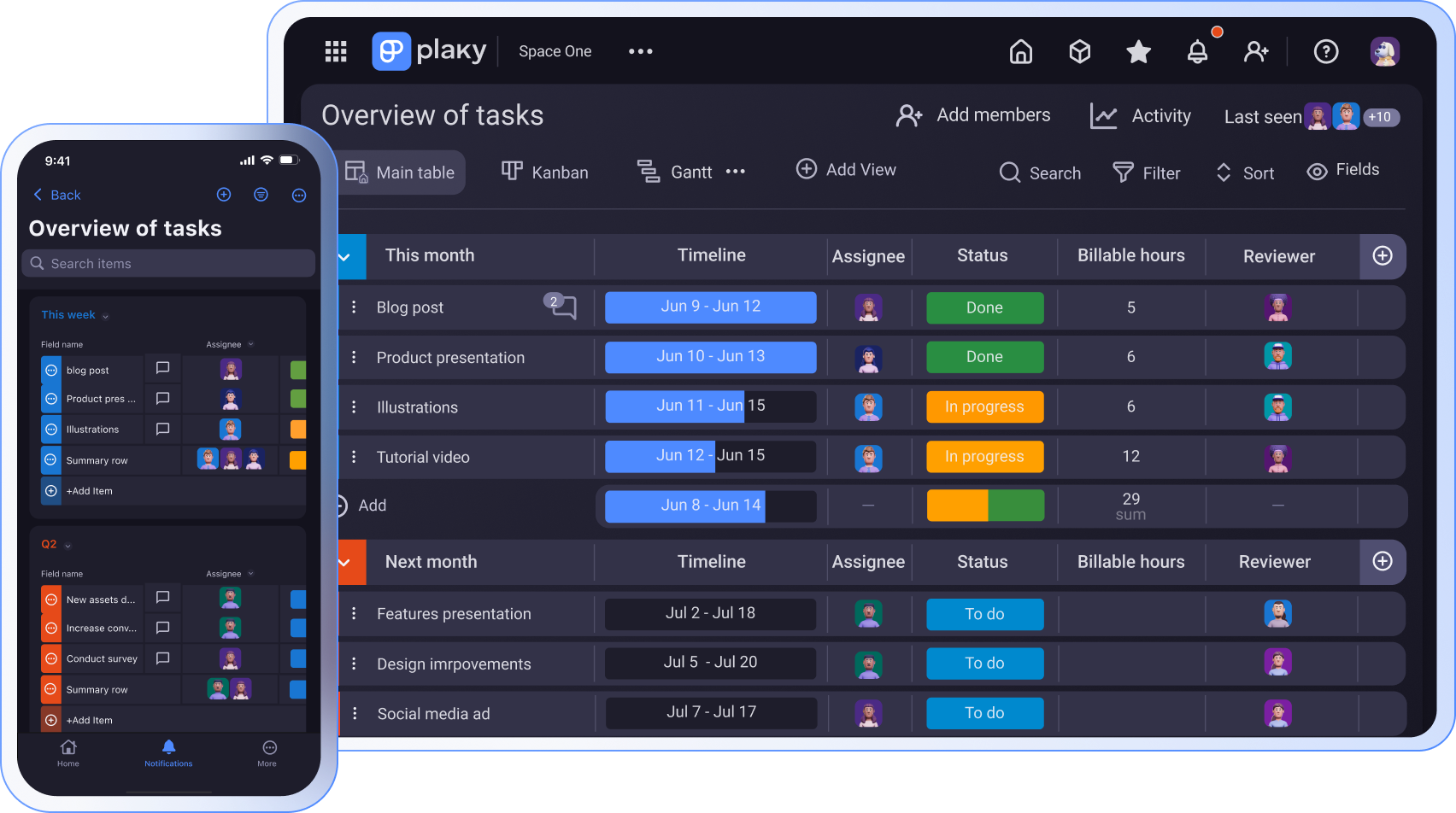
Plaky by CAKE.com is project management software that sets itself apart with highly competitive pricing and an exceptional feature set — even on its free plan.
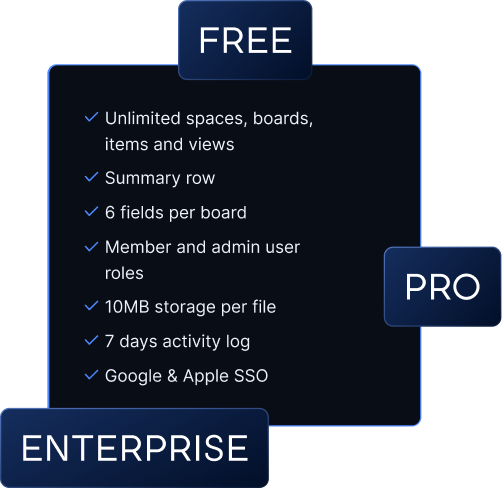
Plaky’s free plan offers:
- Unlimited Spaces, Boards, Items, and views
- Unlimited File storage (10 MB per file)
- 6 custom Fields per board
- Table, Kanban, Chart, and My tasks view
- 24/7 customer support with under 1h response time
- Comments and @mentions in tasks
- Favorite boards
But if you want a more powerful app, and need Gantt charts, Viewer roles, or bulk actions, you can choose one of Plaky’s paid plans starting at just $3.99/user/month.
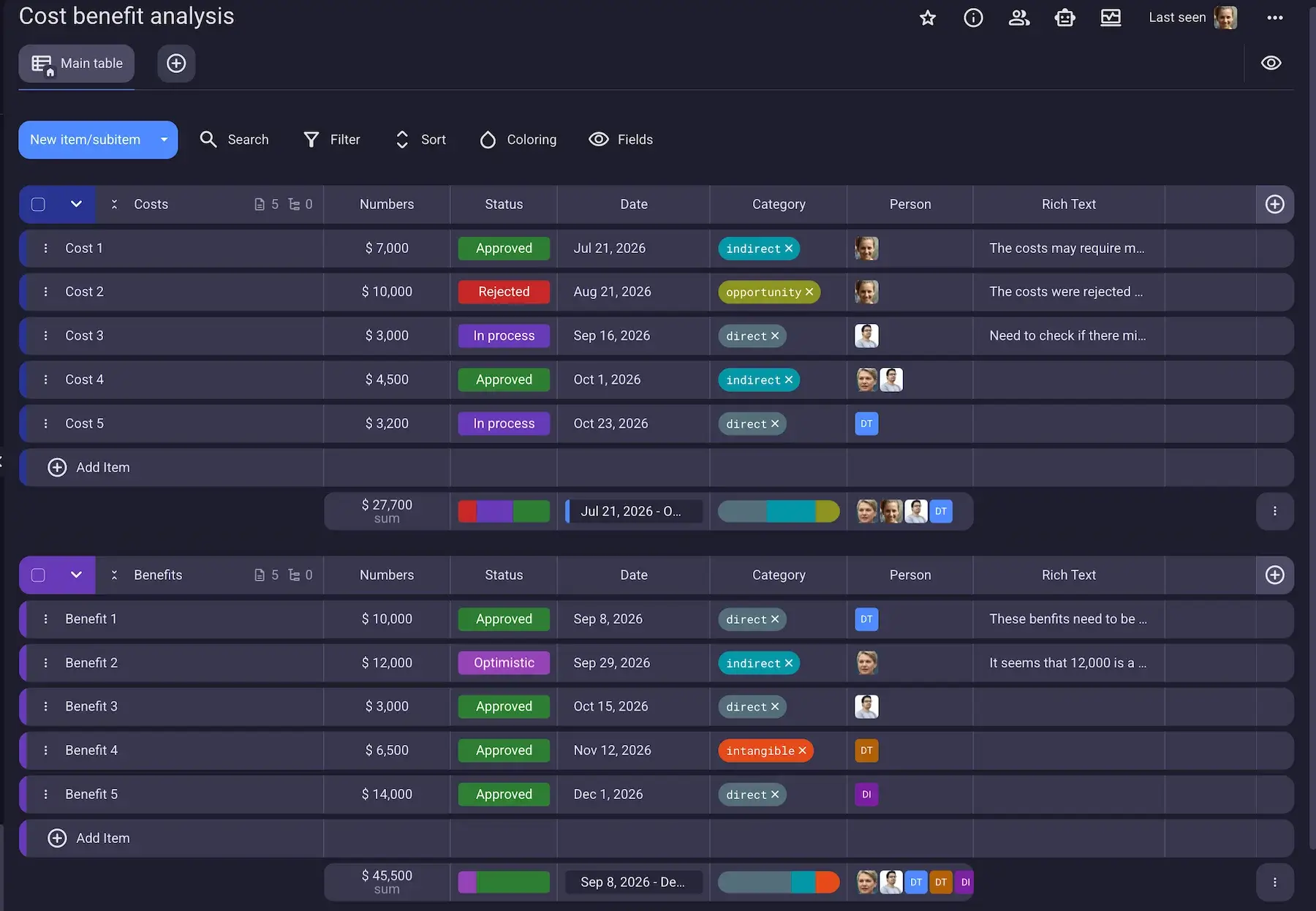
So, how much would you save by choosing Plaky over ClickUp? Here’s an overview of costs per month if you choose the annual plan:
| Team | Plaky Pro | Plaky Business | Plaky Enterprise | ClickUp Core | ClickUp Business | ClickUp Max |
|---|---|---|---|---|---|---|
| 10 | $39.9 | $50.49 | $89.9 | $90 | $170 | $1,000 |
| 25 | $99.75 | $137.25 | $224.75 | $225 | $425 | $2,500 |
| 50 | $199.5 | $274.5 | $449.5 | $450 | $850 | $5,000 |
As you can see, Plaky’s Enterprise plan costs a fraction less than Core, ClickUp’s cheapest plan, and gives you:
- Unlimited automations — streamline your workflow and save valuable time.
- Dashboards — view data from up to 30 boards in one dashboard for a complete overview of your progress.
- Unlimited activity log — track all changes made to your workspace in one place for clear accountability.
- Protected view — keep access to a board limited only to selected users to keep confidential information on a need-to-know basis.
- Custom subdomain — customize your URL and Plaky account.
- Board permissions — keep data secure by controlling who can access and edit board’s content, settings, or structure.
- Board Ownership — transfer ownership of board from one person to another for easier administration management.
This means that for less than $500 a month, your 50-member team gets a powerful, secure, and streamlined PM tool that has no limitations and grows together with you.
Improve your workflows with a straightforward, yet robust PM tool!
FAQ
Here are the most commonly asked questions about ClickUp pricing.
Is ClickUp really free forever?
Yes, you can use ClickUp for free indefinitely, even if you have a large team, because ClickUp doesn’t limit the number of free members.
Still, there are many other restrictions, in terms of features, storage, and AI usage, so if you’re looking for an advanced app, ClickUp’s free plan won’t cut it.
What’s better than ClickUp?
There are other PM tools that can be better for you than ClickUp. If you want a powerful and affordable tool, which doesn’t drown you in AI, try Plaky by CAKE.com. Or, if you need a platform that offers separate tools for CRM, dev, or general work management, try monday.com.
Why is ClickUp so popular?
ClickUp is a colorful tool with many options, which makes it popular among a great variety of people. It’s often referred to as an “everything” app, because of the sheer number of features it includes. ClickUp also has AI embedded into it, so any AI enthusiast will enjoy ClickUp.
Como revisamos esta publicação: Nossos redatores e editores monitoram as publicações e as atualizam quando novas informações são disponibilizadas, para mantê-las atualizadas e relevantes.