Sign up and log in
In this article
There are multiple ways to create a Plaky account and log in. This depends on whether you’re starting a new Workspace from scratch, joining an existing one via invitation, or returning as an existing user. Plaky accounts are always tied to a Workspace, so the method you use to sign up depends on whether you’re creating one or joining one.
Create an account #
There are two ways to create a Plaky account:
- Sign up and create a Workspace at plaky.com/register
- Join via an invitation link
Let’s look at both methods in more detail.
Cadastre-se e crie um espaço de trabalho #
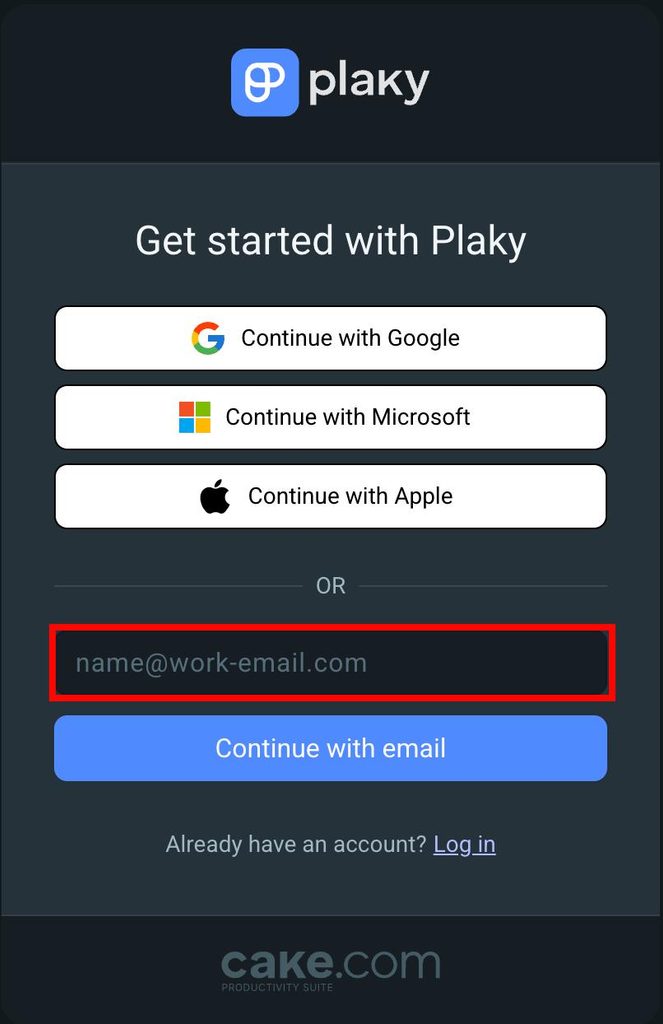
If you would like to create a new Workspace, go to the Plaky sign up page. There, you can register using an email address or sign up with a Google, Microsoft, or Apple account.
- Go to Plaky Sign up page
- Insira o seu endereço de e-mail
- Clique em Continuar com e-mail
- Digite o código de segurança que você recebeu no seu e-mail
- Preencha as informações
- Clique em Continuar para concluir a ação
- Clique em Começar gratuitamente
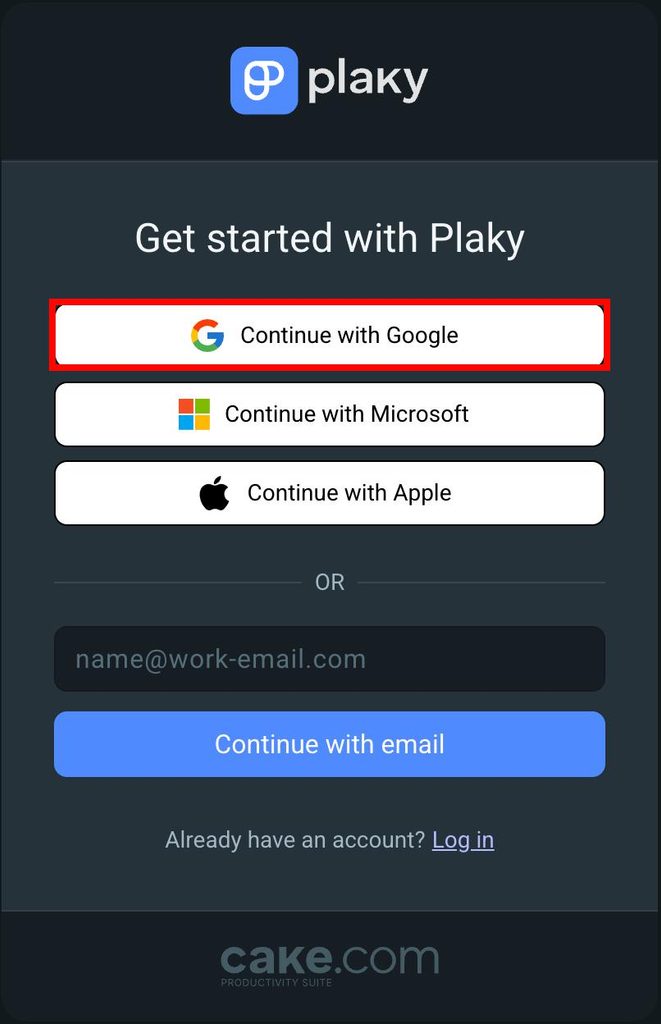
- Click on Continue with Google
- Choose the Google account to sign up with
- Digite seu nome
- Digite o nome do espaço de trabalho
- Agree to the Terms of Use
- Clique em Continuar para concluir a ação
- Open the Plaky Sign up page
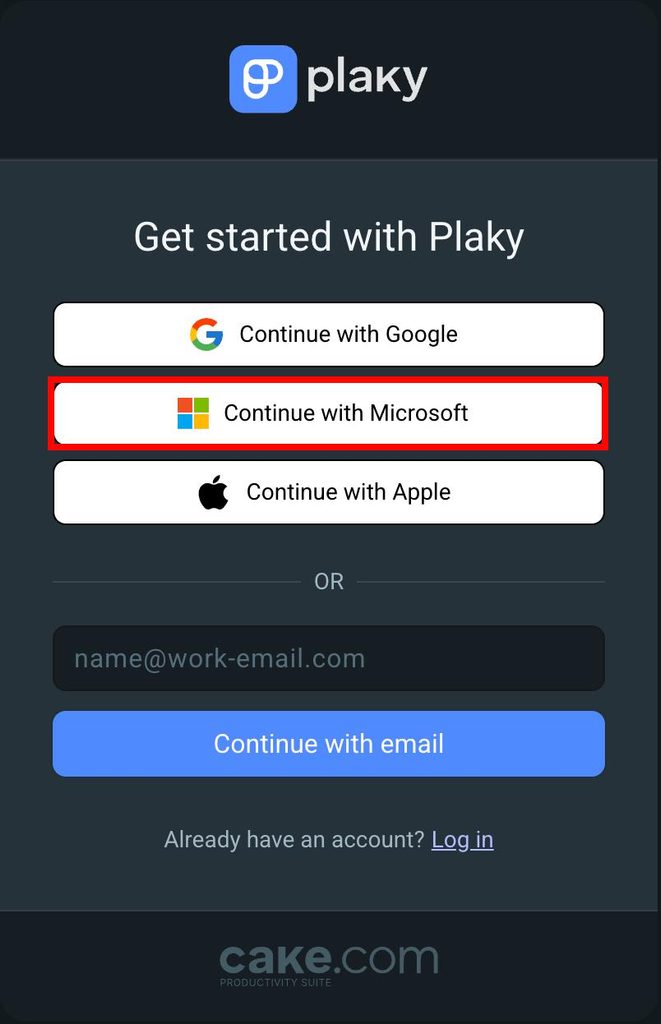
- Clique em Continuar com a Microsoft
- Choose the Microsoft account to sign up with
- Digite seu nome
- Digite o nome do espaço de trabalho
- Agree to the Terms of Use
- Clique em Continuar para concluir a ação
- Clique em Começar gratuitamente
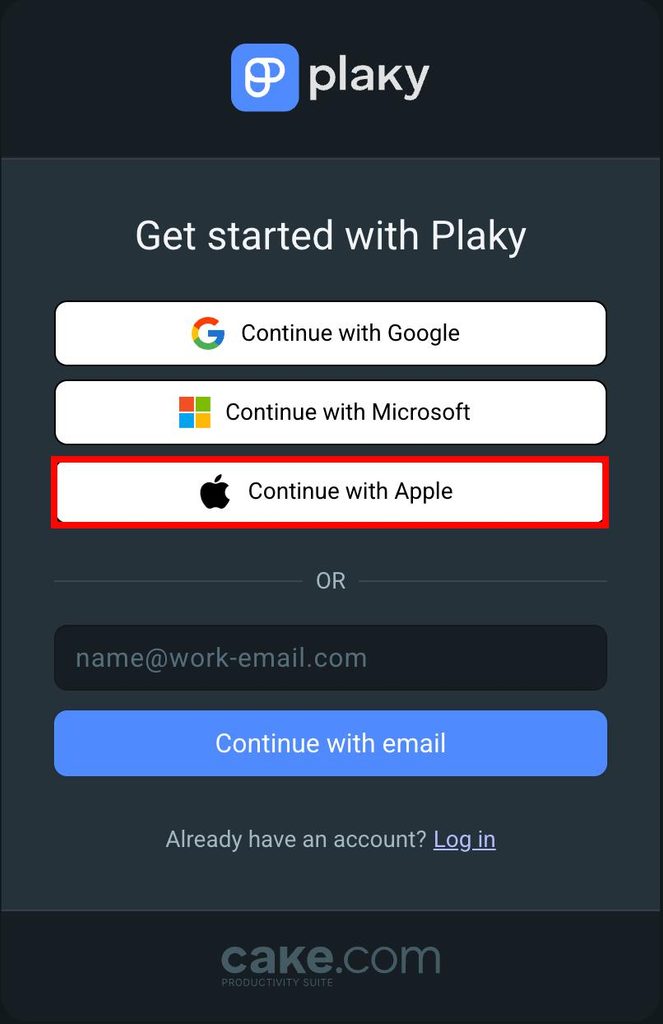
- Click on Continue with Apple
- Enter your Apple ID
- Digite seu nome
- Digite o nome do espaço de trabalho
- Agree to the Terms of Use
- Clique em Continuar para concluir a ação
Join via an invitation link #
In case you received an invitation to join Plaky:
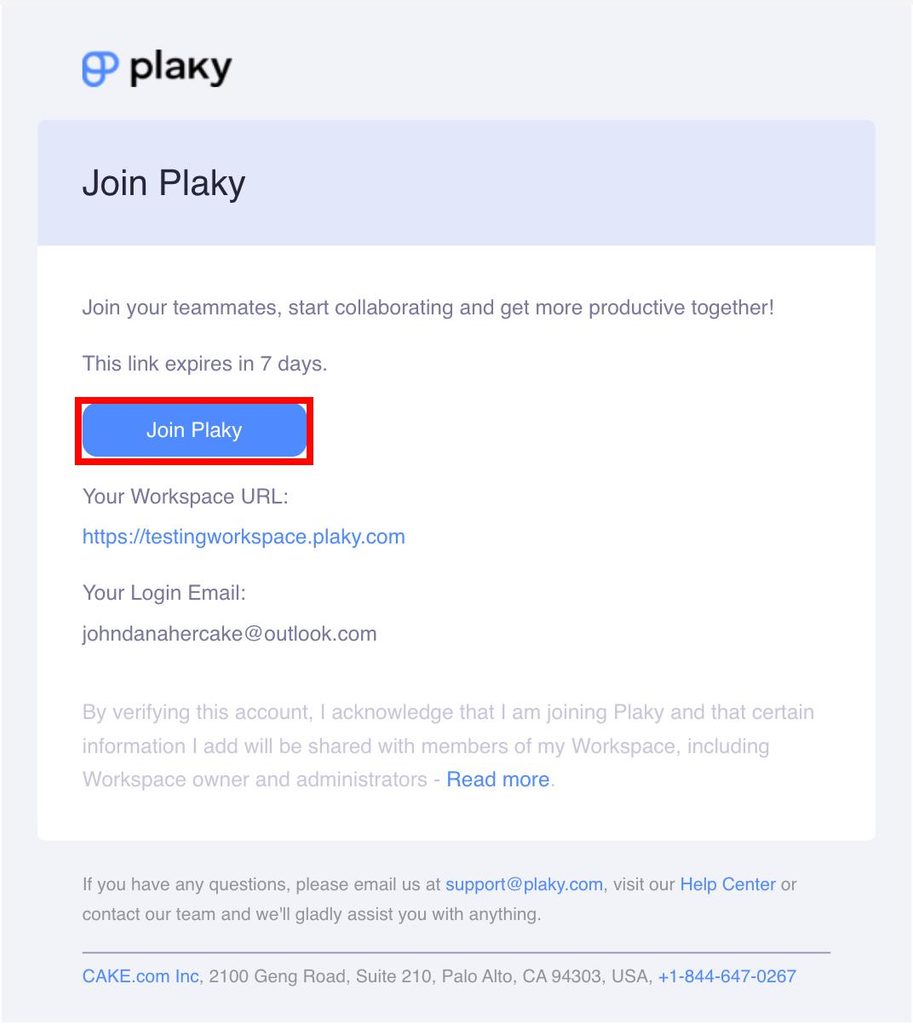
- Open your invitation email
- Click on the Join Plaky button
- Digite seu nome
- Agree to the Terms of Use
- Clique em Cadastrar para concluir a ação
Se o espaço de trabalho tiver uma configuração de SSO personalizado com permissão de ingresso automático definida:
- Cole o link para o espaço de trabalho no navegador
- Click Login with [Custom_SSO_name] account
- Digite seu nome
- Concorde com os termos de uso
- Clique em Cadastrar para concluir a ação
After creating an account at Plaky, whether you’ve initiated a Workspace or joined an existing one, be sure to record and save your Workspace subdomain from the URL (you may want to bookmark it). The Workspace URL will be required every time you log in to access your Workspace.
Passwordless login in Plaky #
Passwordless login is an authentication method that completely removes the need for passwords. Instead of entering a password, you need to authenticate yourself by using an OTP (one-time password) code sent to your email address.
Como funciona o login sem senha no Plaky #
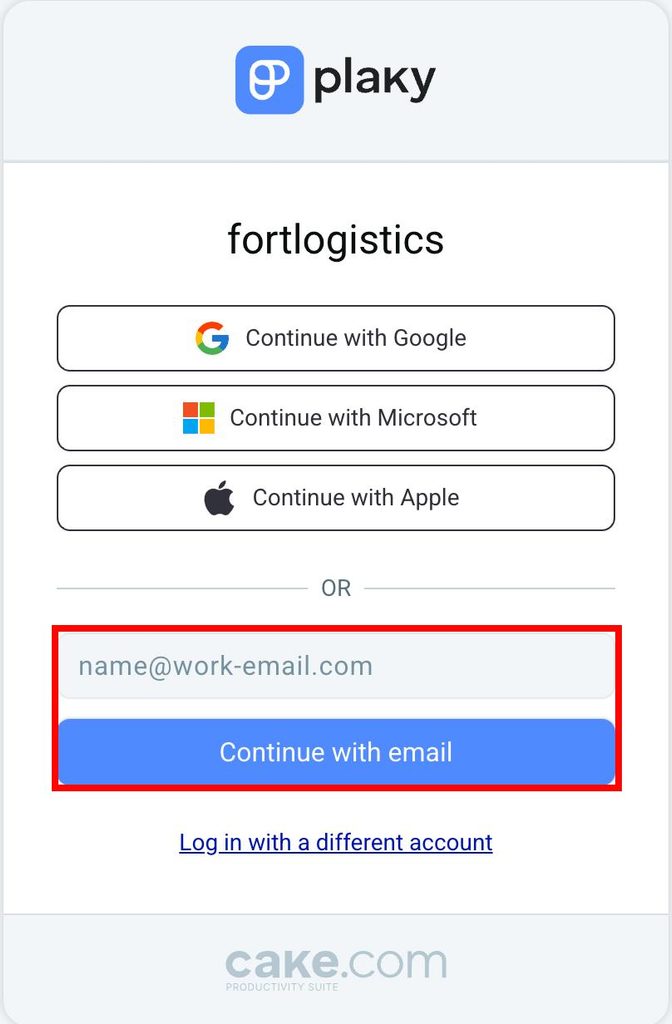
- Enter your email address on the Plaky login page
- Um código OTP é enviado para o seu e-mail
- Enter the OTP code in the designated fields on the login page
- Após a autenticação, você entrará automaticamente no seu espaço de trabalho do Plaky.
If you’re not receiving verification emails, it might be due to too many unused OTP codes. To fix this, simply open the last verification email and click the click here button to start receiving emails again. Always use your login code within 30 minutes to avoid this issue in the future.